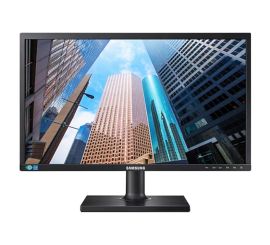
What should I look out for when buying a PC monitor?
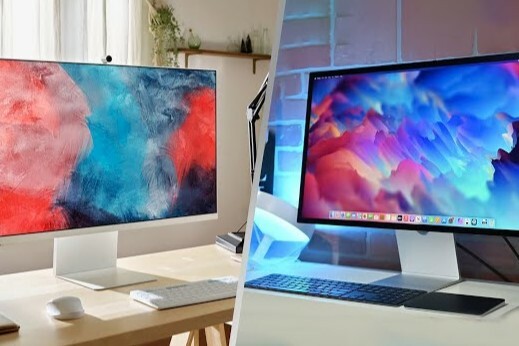
Which specifications are important for a PC monitor?
When choosing a PC monitor, there are a number of specifications you should consider. Resolution is one of the most important factors: a higher resolution such as 1440p or 4K provides sharper and more detailed images. The refresh rate is also important, especially for gamers: a monitor with 144Hz or higher ensures smoother movements on the screen. The response time, expressed in milliseconds, also determines how quickly your monitor responds to input, which is particularly useful for fast-paced action scenes in films or games. You should also consider the connection options, such as HDMI or DisplayPort, to ensure compatibility with your PC.
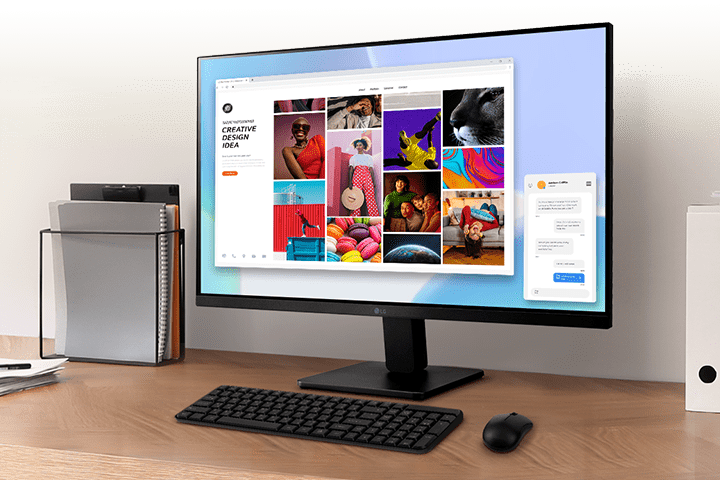
What makes a PC monitor suitable for gaming?
For gaming, it is important that your monitor can display fast and smooth images. A PC monitor with a high refresh rate (at least 144Hz) and a low response time (1ms) is ideal for gamers who want to enjoy fast-paced action without stuttering or lag. Technologies such as G-Sync or FreeSync can help prevent screen tearing and stuttering, resulting in a more stable image. Gamers also benefit from a larger screen size, such as a 27-inch PC monitor, which displays more of the game environment and provides a more immersive experience.
Buy PC monitor

How do you choose a monitor for everyday use?
For everyday use, such as browsing the internet, working, and watching videos, a monitor with a resolution of 1080p is often sufficient. A 24 or 27-inch screen offers enough screen space without feeling too large or too small. When choosing a monitor for everyday use, you can also look at features such as adjustable stands and eye comfort options such as blue light filters, which help with prolonged use. If you are looking for a budget-friendly option, consider a refurbished monitor, which offers the same features at a lower price.


Buy a PC monitor