Can I connect a second monitor to my laptop?
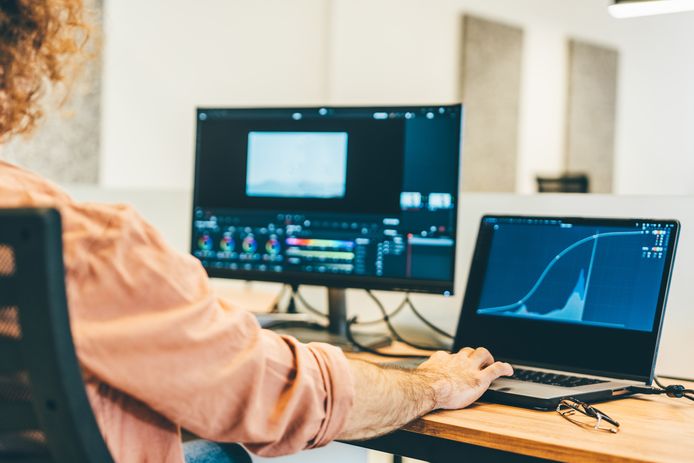
How to connect a second monitor to your laptop?
Connecting a second monitor to your laptop starts with checking the available ports, such as HDMI, USB-C, DisplayPort, or VGA. Connect the correct cable between your laptop and the second monitor. Turn on both devices and select the correct input on the monitor. On Windows, you can use the shortcut Windows + P to open the display settings and choose between 'Extend', 'Duplicate', or 'Second screen only'. On macOS, go to 'System Preferences' → 'Displays' to adjust the settings.
Buy Laptop
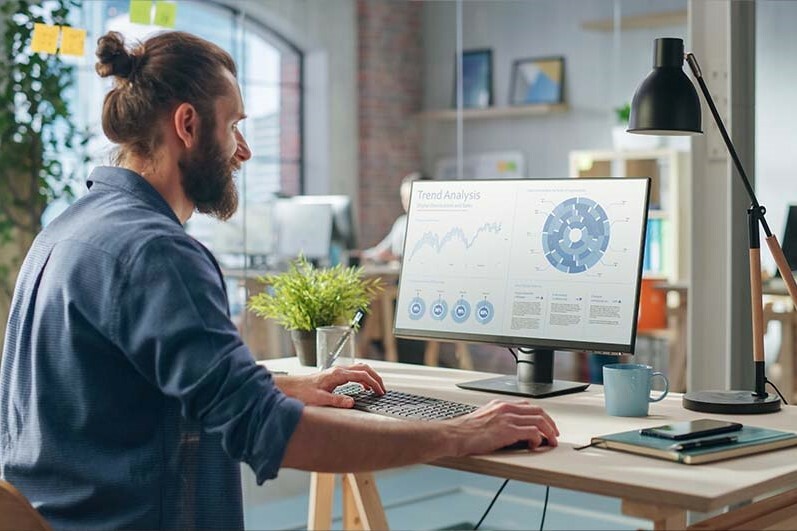
What are the benefits of working with two monitors?
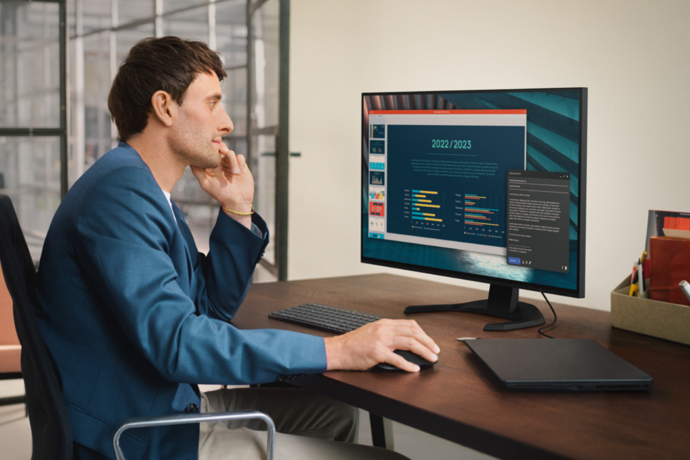
Working with two monitors significantly increases your productivity. You can open multiple windows side-by-side, which is ideal for multitasking, such as comparing documents, video editing, or programming. In addition, a second monitor offers more overview and improves workflow, especially with complex tasks such as graphic design or financial analysis. Whether you use a new or refurbished monitor, a second screen always offers extra convenience.
Buy Monitor
What cables and adapters do you need for a second monitor?
The right cable depends on the ports on your laptop and monitor:
- HDMI cable – Common connection for modern laptops and monitors.
- USB-C cable – Suitable for modern laptops that support video output.
- DisplayPort cable – Offers high resolutions and refresh rates.
- VGA cable – Older connection for older monitors and laptops.
If your laptop and monitor have different connections, you can use an adapter, such as USB-C to HDMI or HDMI to VGA. When buying a monitor or using a refurbished monitor, it is important to check the compatibility of the ports.


Best monitors

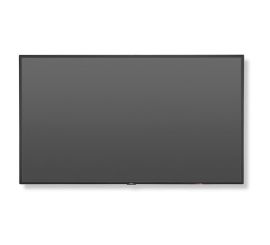
NEC MultiSync V544-T - 54 inches
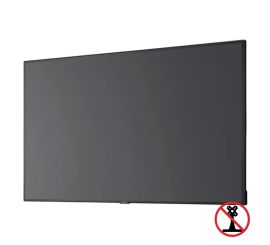
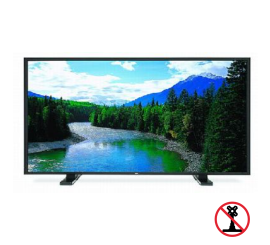
NEC MultiSync C431 - 43 inch
NEC MultiSync C431 - 43 inch