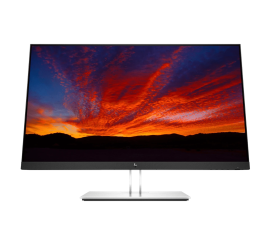
What is the correct screen distance?
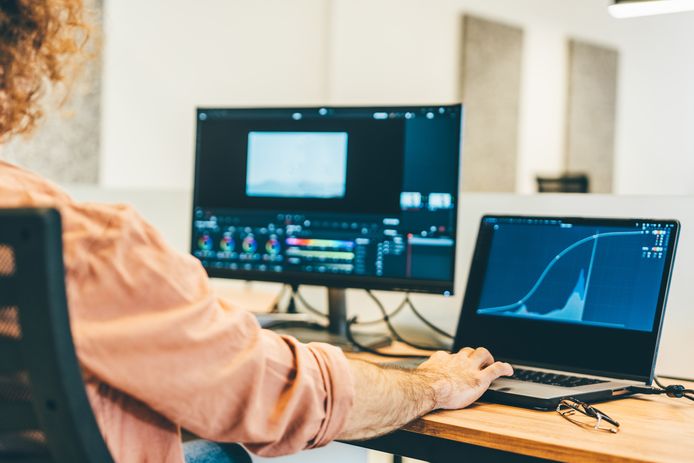
What is the recommended viewing distance for a monitor?
The correct viewing distance for a screen depends on the size and resolution of your monitor. Generally, the following rule of thumb applies:
- 24-inch monitor: Approximately 50-60 cm distance.
- 27-inch monitor: Approximately 60-70 cm distance.
- 32-inch monitor: Approximately 70-90 cm distance.
With higher resolutions, such as 4K, you can sit slightly closer to the screen without noticing any visible pixels. Make sure the top edge of the screen is at eye level for an ergonomic posture.
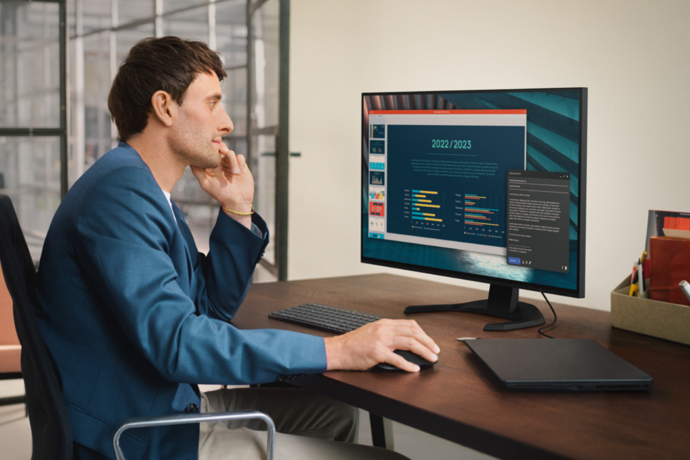
How do you adjust your screen distance for a better experience?
Follow these steps to set the correct distance to your monitor:
- Place your monitor directly in front of you at eye level.
- Extend your arm; the monitor should be about an arm's length away from you.
- Adjust the angle of your monitor to prevent reflections.
- Use a monitor stand or adjustable arm to accurately adjust the height and angle.
Whether you use a new or refurbished monitor, a good distance and setup will improve your viewing experience and prevent physical discomfort.
Monitor Advice
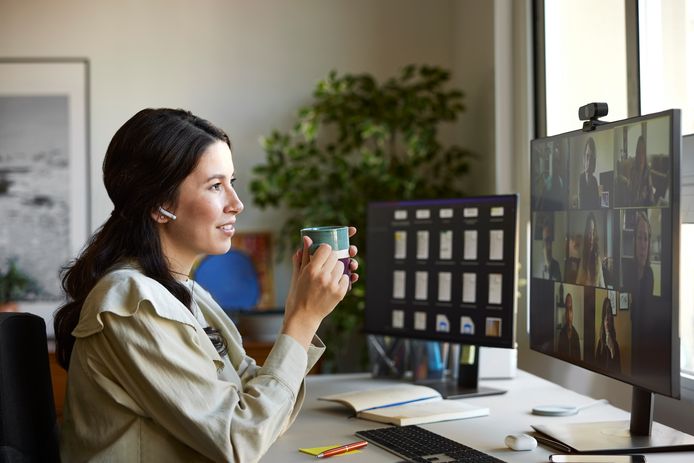
What are the benefits of the correct viewing distance for your eyes and neck?
The correct viewing distance prevents eye strain, headaches, and neck pain. At a good distance, your eyes have to work less hard to focus, which reduces strain on the eye muscles. In addition, the correct monitor height and distance ensure that your neck and back remain in a natural position, which prevents ergonomic problems in the long term. Whether you are working, gaming or relaxing, a well-adjusted monitor contributes to your health and comfort.


The best refurbished monitors
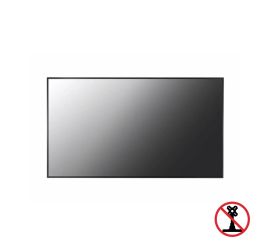
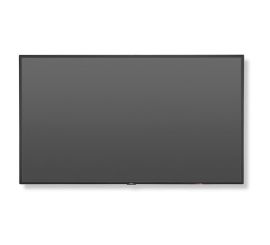
NEC MultiSync V544-T - 54 inches
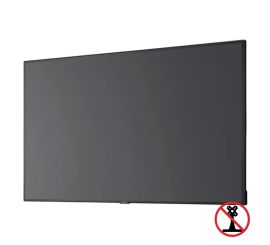
NEC MultiSync C431 - 43 inch
NEC MultiSync C431 - 43 inch