Alienware monitor: best options for an unbeatable gaming experience.
What are the best Alienware monitors for gaming?
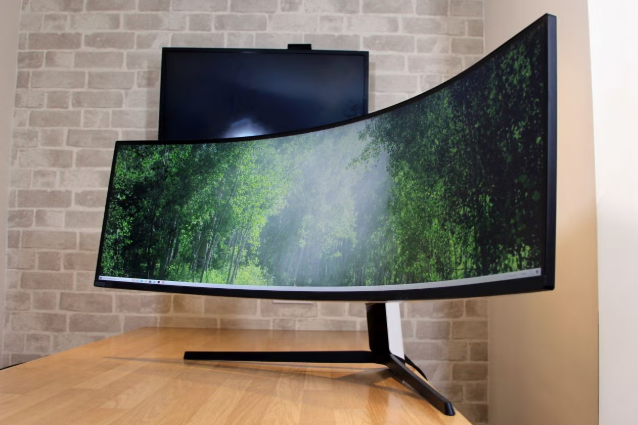
Alienware, a Dell subsidiary, is known for its premium gaming monitors designed for maximum performance and visual quality. Whether you're playing competitive eSports or enjoying graphically impressive single-player games, Alienware offers options to suit your needs. Models like the Alienware 240Hz monitor and Alienware 360Hz monitor deliver extremely smooth images and minimal input lag, which is crucial in fast-paced gameplay. The Alienware AW2523HF offers a 360Hz refresh rate for eSports enthusiasts, while the Alienware AW3423DWF, with its 34-inch OLED screen, provides an immersive viewing experience with deep blacks and vibrant colors.
Dell monitors
How to get the most out of your Alienware monitor?
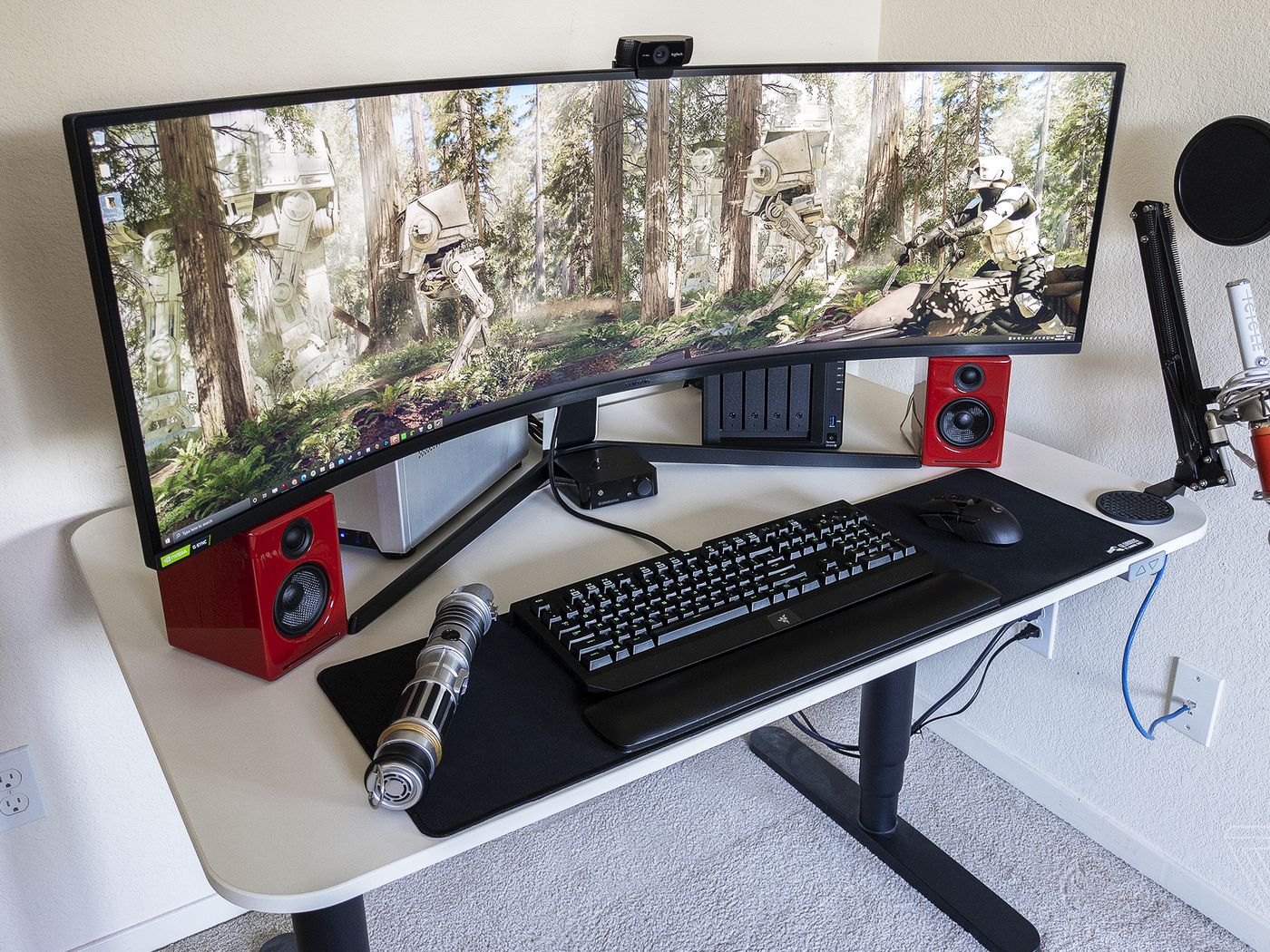
To get the most out of your Alienware monitor, set the refresh rate correctly via your computer's graphics settings. Use technologies like NVIDIA G-Sync or AMD FreeSync to prevent tearing and stuttering. In addition, color calibration and brightness adjustments can improve image quality, especially with OLED models. Use built-in settings like 'Game Mode' or 'FPS Mode' to fine-tune performance for specific game types. Regular updates to your graphics drivers ensure that your monitor always works well with your system.

Why choose a 240Hz or 360Hz monitor?
A higher refresh rate ensures smoother gameplay and can provide a competitive advantage in fast-paced shooters or eSports titles. A 240Hz monitor already offers a noticeable improvement over standard 60Hz or 144Hz monitors. With a 360Hz monitor, movements become even smoother and reactions even sharper, where every millisecond counts in competitive scenarios. Both options reduce motion blur and ghosting, especially with fast movements on the screen. Whether you choose a new or refurbished monitor, an Alienware monitor offers technology that meets the demands of the most demanding gamers.
Buy a refurbished monitor


Best Monitors
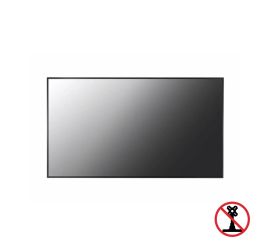
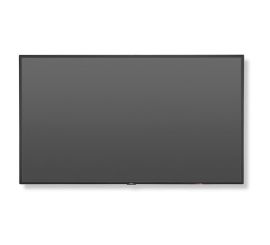
NEC MultiSync V544-T - 54 inches
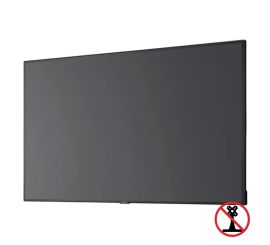
NEC MultiSync C431 - 43 inch
NEC MultiSync C431 - 43 inch