Connecting an old monitor to a laptop.
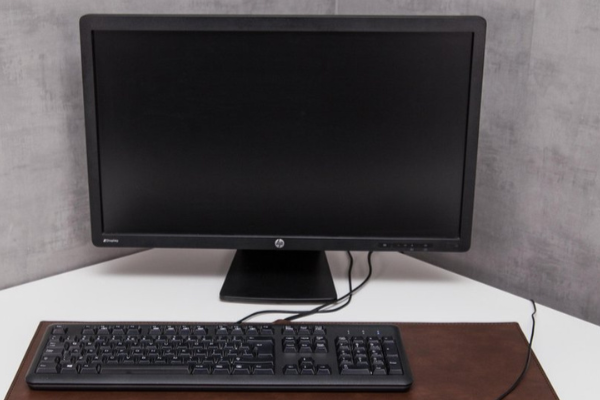
How to connect an old monitor to a modern laptop?
Connecting an old monitor to a modern laptop often requires an adapter, as older monitors typically use VGA or DVI connections, while modern laptops often only support HDMI, USB-C, or DisplayPort. Connect the correct adapter to your laptop and connect it to the cable of the old monitor. Then select the correct display settings on your laptop via 'Display settings' on Windows or 'System Preferences' on macOS.
Buy refurbished monitor
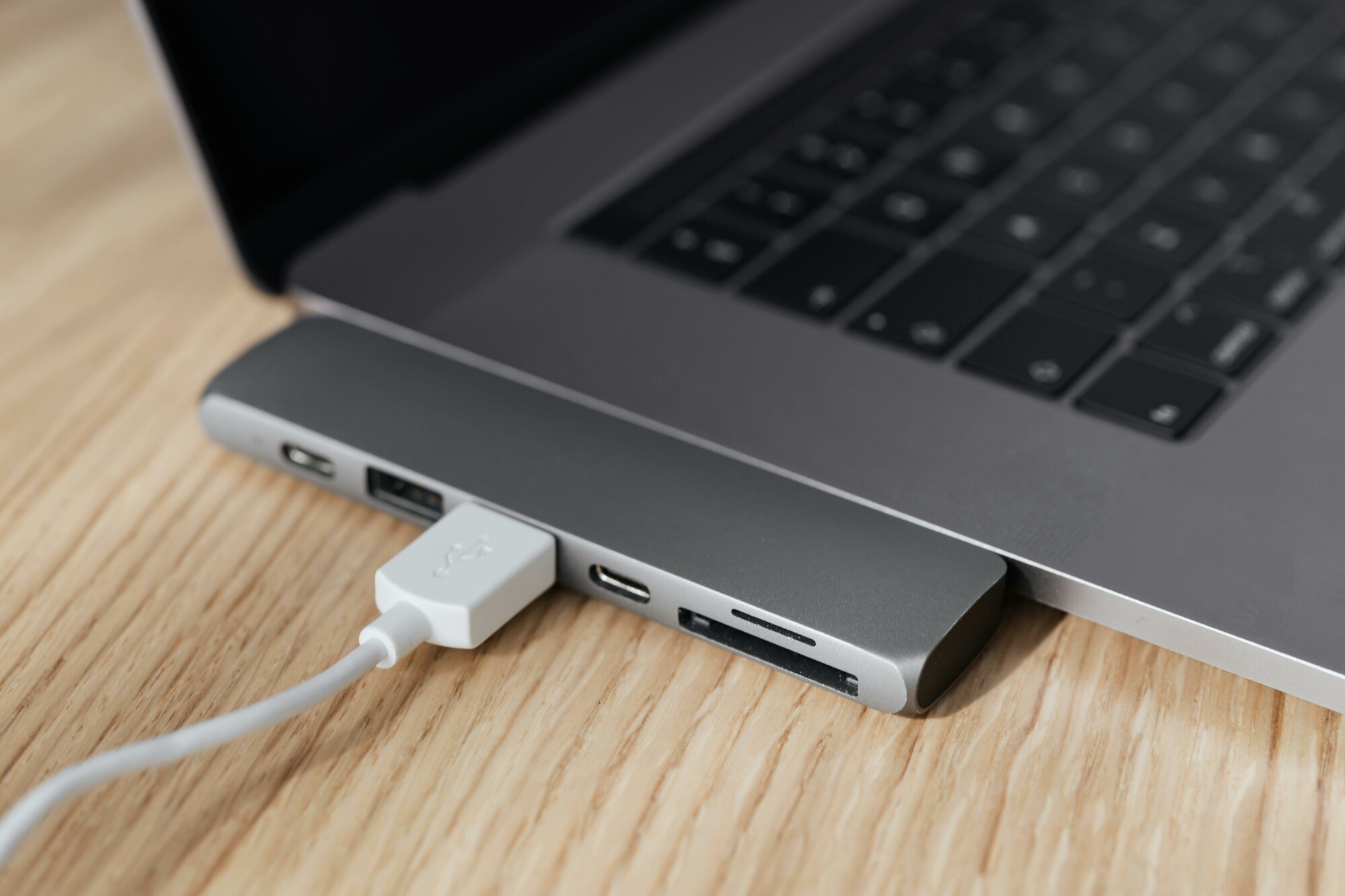
Which adapters do you need to connect an old monitor?
Depending on the connections on your laptop and monitor, you may need one of the following adapters:
- VGA to HDMI adapter – For laptops with HDMI output and older monitors with VGA.
- DisplayPort to VGA adapter – For laptops with DisplayPort connection and VGA monitors.
- USB-C to VGA adapter – For modern laptops with USB-C and older VGA monitors.
- DVI to HDMI adapter – For monitors with DVI connection.
Make sure you choose an adapter that is compatible with your devices to prevent connection problems.
What are the best solutions for compatibility issues?
Compatibility issues can often be resolved by:
- Updating your graphics drivers.
- Checking the correct input source on the old monitor (e.g. VGA, DVI).
- Setting the correct resolution on your laptop to prevent compatibility issues.
- Using high-quality adapters and cables to minimize signal loss.
If you regularly use older monitors, consider a universal docking station with multiple connection options. Whether you choose a new or refurbished monitor, the right settings and hardware ensure a seamless connection.
Monitor Advice


Monitors with HDMI