What Windows do I have?
Which Windows version do I have?
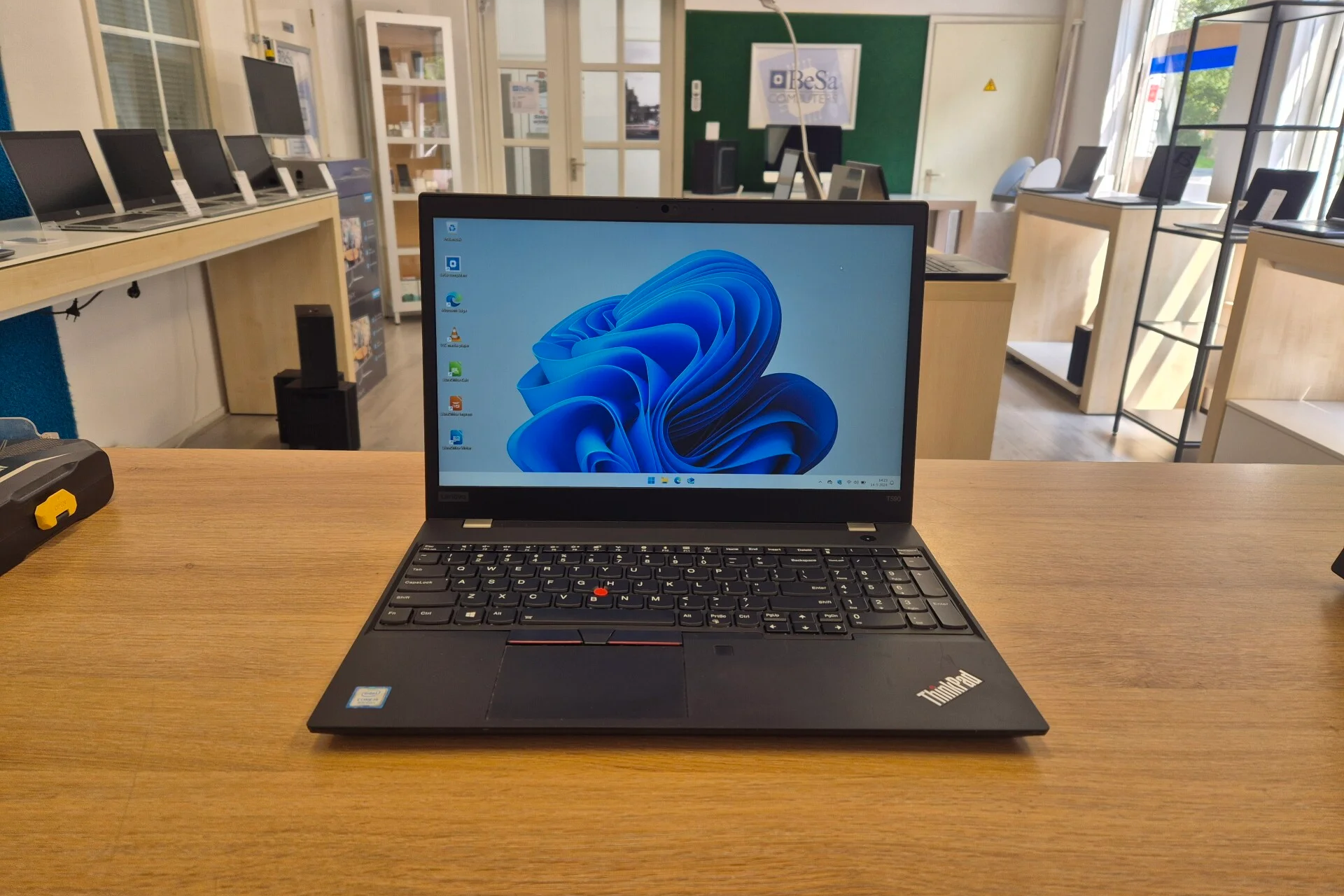
To determine which Windows version is on your laptop, you can follow a few simple steps. Click the Start button, type "Settings", and open the Settings menu. Then go to "System" and select "About". Here you will see which Windows version is installed on your laptop. Whether you use Windows 10 or Windows 11, Microsoft provides detailed information about the specifications and features of your operating system. This is essential to know if you are considering an upgrade or simply want to check which version you are using.
View our laptops

Which Windows version do I need for school?
The choice between Windows 10 and Windows 11 for school depends on your specific needs and the requirements of your education. Both versions are powerful and reliable, but Windows 11 offers some extra features and improvements in terms of performance and security. If you are buying a new laptop or considering an upgrade, a Windows 11 laptop can be a good investment for your schoolwork. At ReMarkt we have a wide range of laptops, including refurbished laptops, suitable for both Windows 10 and Windows 11.
Student laptops

What is better, Windows 10 or Windows 11?
Whether Windows 10 or Windows 11 is better depends on your personal preferences and usage scenarios. Windows 10 is a proven and stable operating system that has been trusted by millions of users for years. However, Windows 11 introduces a more modern user interface, improved performance, and new features such as improved multitasking and tighter integration with Microsoft Teams. If you are looking for the latest technologies and a future-proof system, then upgrading to Windows 11 is worthwhile. ReMarkt offers various refurbished laptops equipped with both Windows 10 and Windows 11, so you have the choice that best suits you.
Need more laptop advice?


Windows laptops
HP ZBook Fury 17 G7
Acer TravelMate P214-54
Acer TravelMate P214-54
Acer TravelMate P214-54
Acer TravelMate P214-54