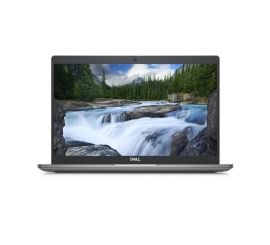
How can I clean a laptop?

Disable harmful startup apps
A common problem with slow laptops is the number of programs that start automatically. By disabling these harmful automatic startup apps, you can clean up and speed up your laptop's performance. This process is simple and can significantly contribute to the speed of your device.

Reinstall Windows
Another effective way to clean up your laptop is by reinstalling Windows. This can help remove all kinds of unwanted software and files. Reinstalling Windows can clean up your PC and give it a fresh start, making your computer feel like new again.
Reset laptop to factory settings

Upgrade your laptop
In addition to cleaning up your laptop, upgrading hardware components such as RAM and an SSD can greatly improve performance. At remarkt we offer various options for upgrading your refurbished laptop. More RAM allows your laptop to perform multiple tasks simultaneously, while an SSD speeds up boot times and access to files. By performing these upgrades, you can clean up and speed up your laptop, resulting in a more efficient and faster user experience.
At remarkt, we strive to provide you with the best tips and products to clean up and optimize your laptop, PC or computer. Visit our website for more information about our cheap laptops and refurbished laptops, and discover how to keep your device in top condition.
More laptop advice?


Buy clean refurbished laptops
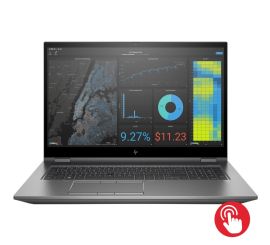
HP ZBook Fury 17 G7
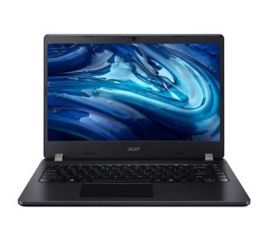
Acer TravelMate P214-54
Acer TravelMate P214-54
Acer TravelMate P214-54
Acer TravelMate P214-54