
Where do you find the BitLocker recovery key for your Windows PC?
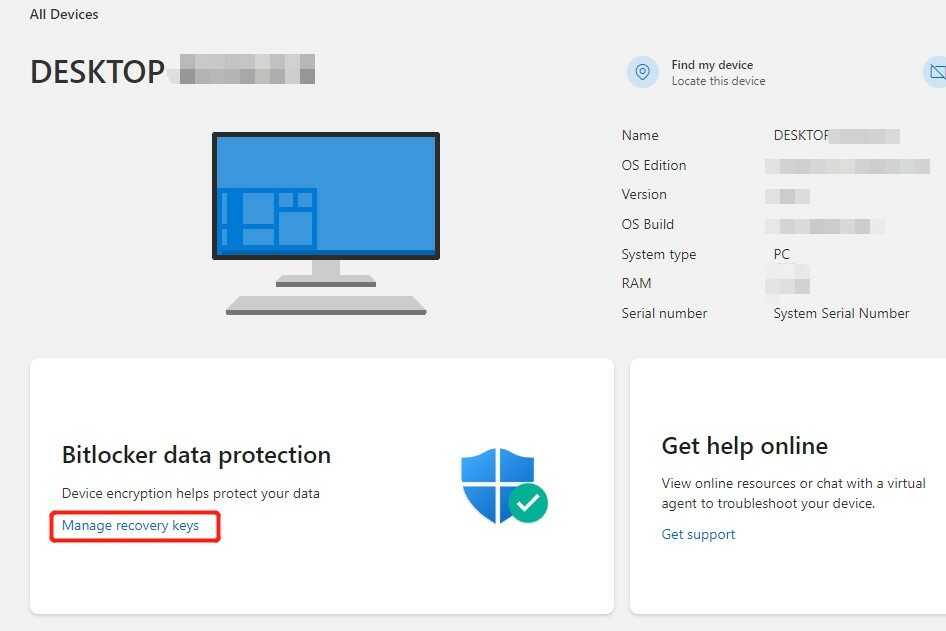
Option 1: Go to your Microsoft account
The most common way to find your BitLocker recovery key is through your Microsoft account. Log in to the Microsoft website with the account you used on the encrypted PC. There, under "Devices," you can find the BitLocker recovery key. This is the safest and fastest way to recover the recovery key if you have lost it or if your PC requests the BitLocker recovery key after an update or system change.
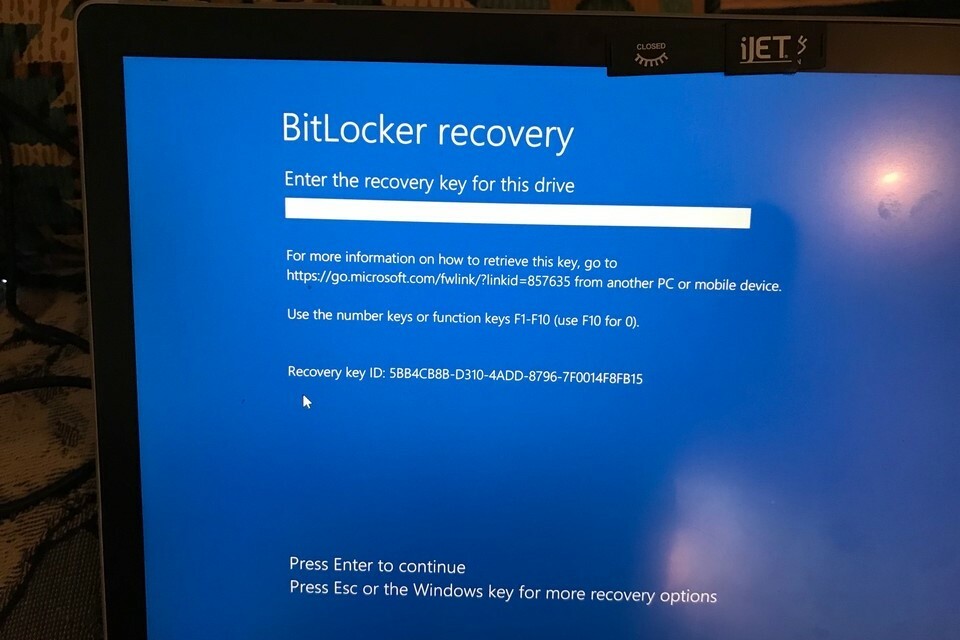
Option 2: Contact the system administrator
If you are using the PC within an organization, such as a company or school, then there is a good chance that the system administrator has saved the BitLocker recovery key for you. Contact the IT department or the administrator responsible for managing the devices. They may have access to the necessary BitLocker recovery data and help you regain access to your PC.
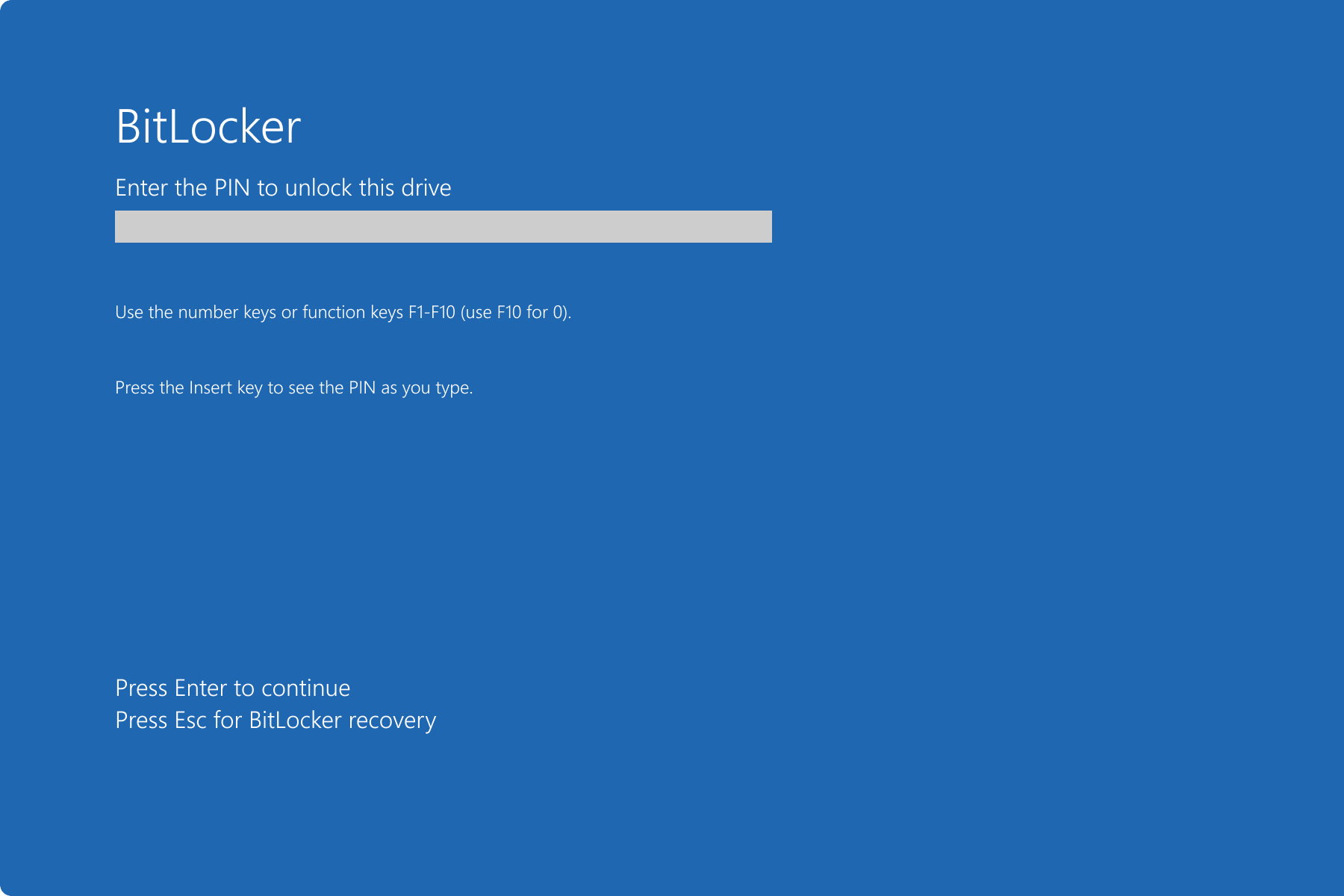
Option 3: Bypassing BitLocker
Directly bypassing BitLocker is not possible without the correct recovery key. BitLocker is designed to prevent unauthorized access to data on an encrypted drive. There are no easy methods to bypass BitLocker, which means you must always enter the BitLocker recovery key to decrypt your data. If you do not have access to the recovery key through your Microsoft account or system administrator, the only option is often to completely reinstall Windows, which leads to data loss.
View all our Refurbished PCs


Buy Refurbished Desktops
HP EliteDesk 800 G6 USFF
HP EliteDesk 800 G6 USFF
HP EliteDesk 800 G6 USFF
HP EliteDesk 800 G6 USFF
HP EliteDesk 800 G6 USFF
