
How does a remote desktop work?
What is a remote desktop and how does it work?
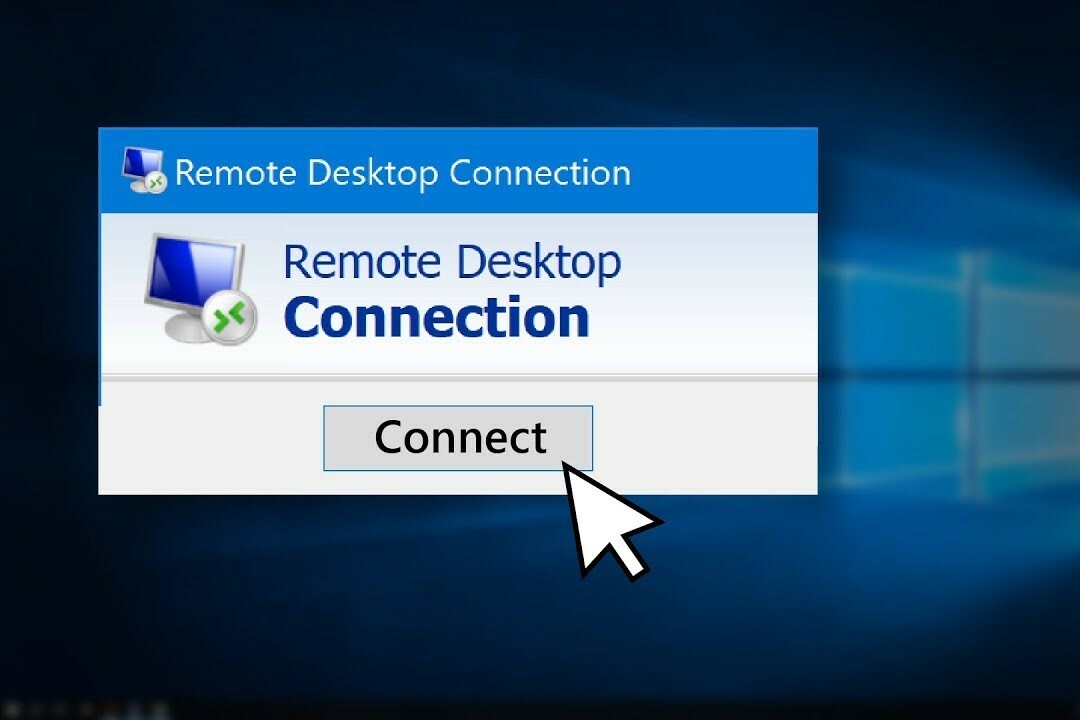
A remote desktop is a technology that allows you to remotely access another computer via a network connection. With remote desktop software, you can take full control of a computer as if you were physically sitting in front of it. This is useful for accessing files, running software, or providing technical support. Remote desktop works by streaming the screen of the remote computer to your local device, while your mouse and keyboard input is sent to the remote computer.
Buy Refurbished PCs
How do you use Google Remote Desktop?
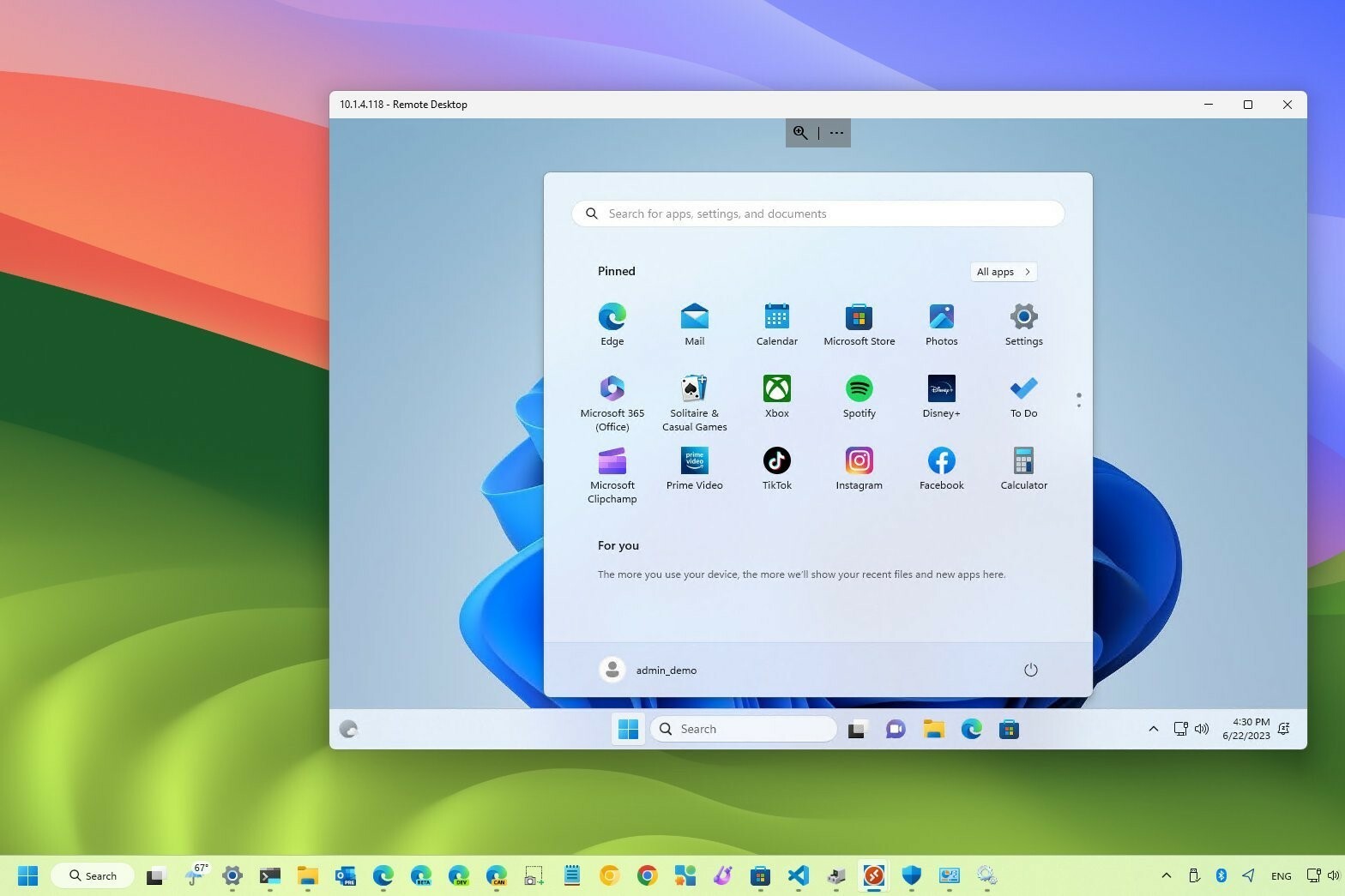
Google Remote Desktop is a user-friendly way to remotely access your computer. To use it, download the Google Remote Desktop extension for Google Chrome. After installing it, you can configure the remote desktop and set a PIN code for secure access. Then, you can access your PC from any computer with Chrome and an internet connection by logging into your Google account and entering the PIN code. Google Remote Desktop offers a quick and easy solution for remote work or support.
What are the advantages of Remote Desktop Manager?
Remote Desktop Manager is a comprehensive tool for managing multiple remote desktop connections. This program is ideal for IT professionals who need to manage various computers or servers remotely. It offers secure password storage, two-factor authentication, and support for various protocols such as RDP, VNC, and SSH. One of the biggest advantages is the ability to centrally manage all your connections, ensuring greater efficiency and security when working with multiple remote computers.
All about Desktops

