
Wiping a computer before disposal.
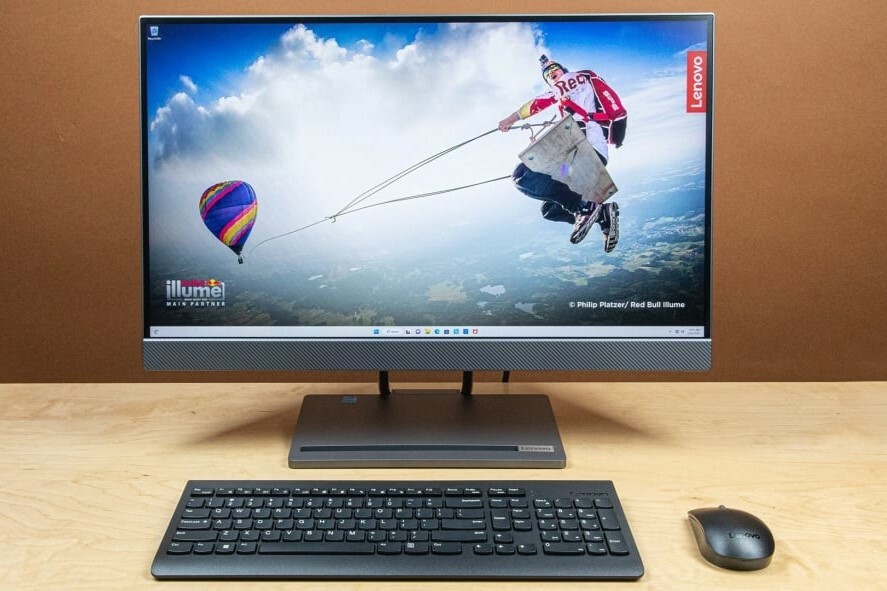
Why you should completely wipe your computer before disposing of it
It's crucial to completely wipe your computer before discarding or reselling it to protect your personal data. Even after deleting files, data may remain on the hard drive and be recovered by malicious actors. By completely erasing the computer, you ensure that sensitive information such as passwords, photos, financial data, and other personal files are permanently deleted.
Buy Refurbished PCs

Steps to securely wipe your computer
Follow these steps to securely wipe your computer before discarding or reselling it:
- Back up your data: First, back up all important files to an external hard drive, USB stick, or cloud storage.
- Factory reset: Use the option to restore your computer to factory settings. This will erase all personal data and software settings from the computer.
- Securely erase the hard drive: For extra security, you can use special software, such as DBAN or Eraser, to completely overwrite the hard drive. This makes it impossible to recover data.
- Reinstall Windows or another operating system: Reinstall the operating system if you want to resell or donate the computer, so the new owner receives a clean system.
ReMarkt Desktop Offers
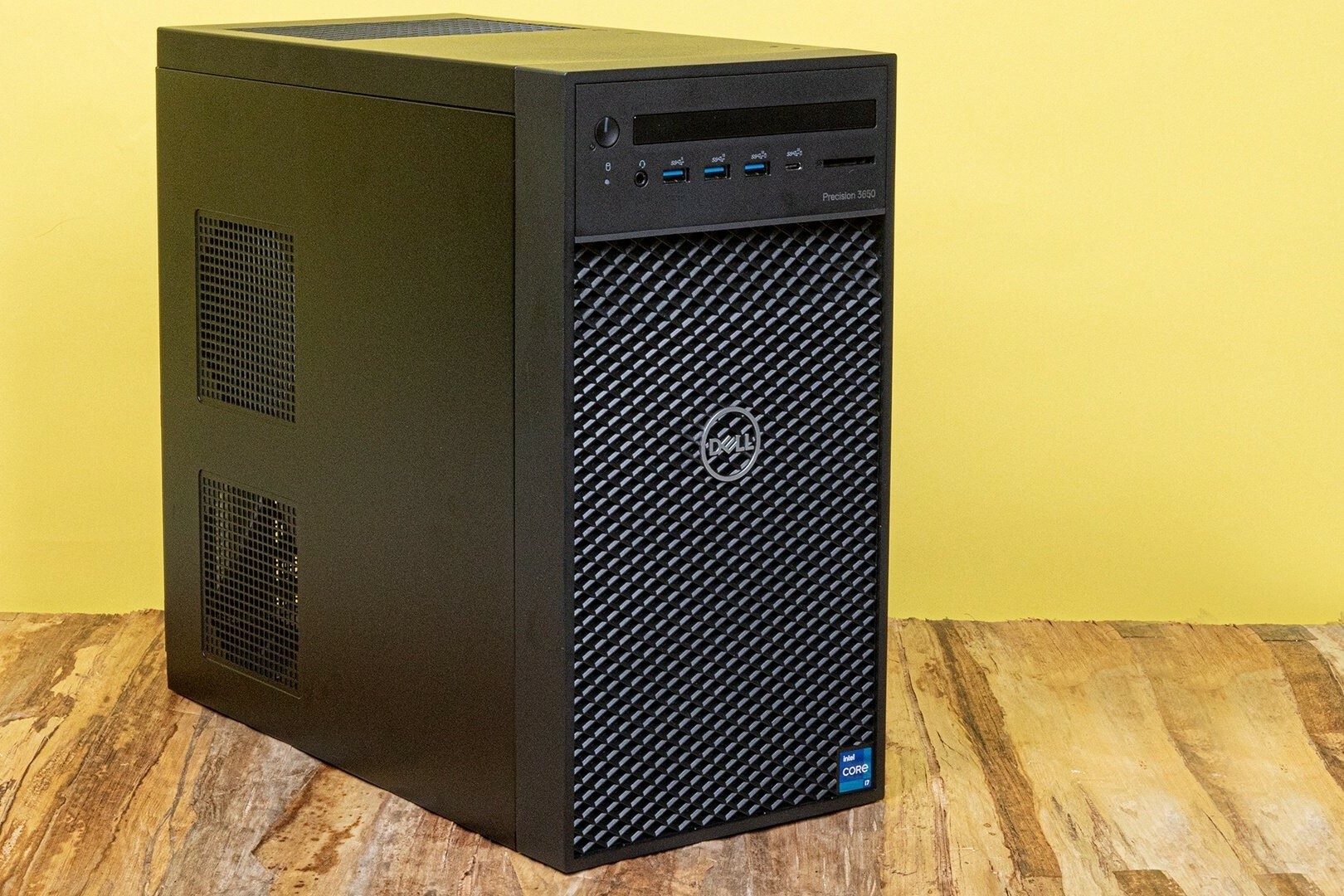
What are the options for recycling or reselling?
Once you've finished wiping your computer, there are several options for recycling or reselling. You can take the computer to an electronics recycling point for environmentally friendly disposal. Many stores and manufacturers also offer programs where you can return old devices. If the computer still works, you can also sell it through used platforms or donate it to a charity. Refurbished PC stores may also be interested in refurbishing and reselling your old computer.
All about Desktops


Buy Refurbished PCs
Dell OptiPlex 3040 Micro Tower

Dell OptiPlex 5080 USFF
Dell OptiPlex 5080 USFF
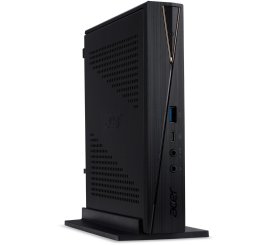
Acer Revo RN86 USFF
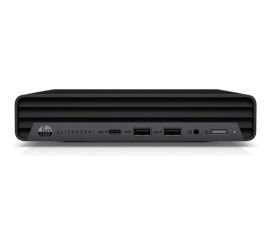
HP EliteDesk 800 G6 USFF