
Refurbished Gaming PCs: Quality at an Affordable Price
- By Wout Wagemans
- 11 May 2024
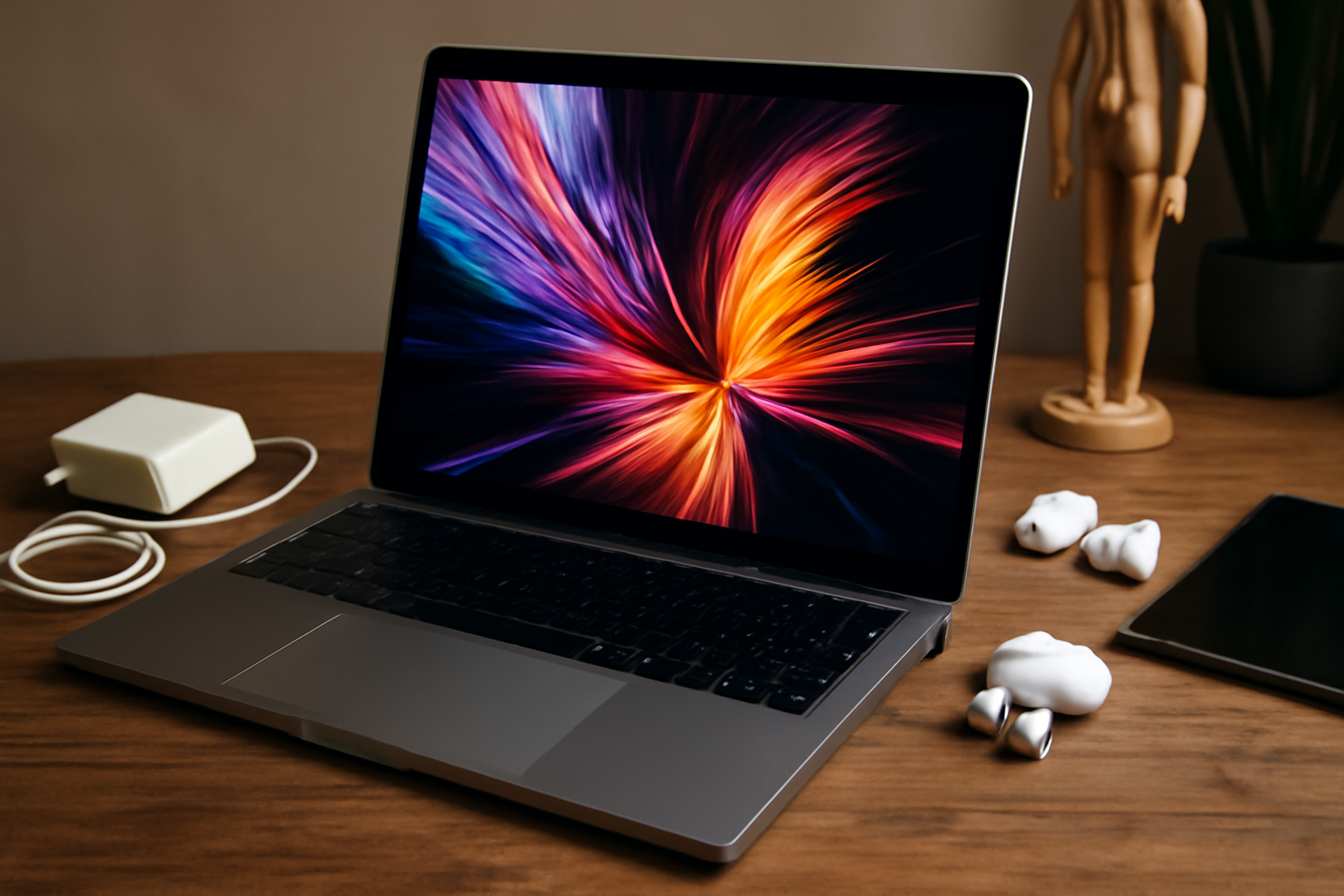
Creative professionals need reliable and powerful tools to bring their visions to life, and refurbished MacBooks offer just that. These devices provide top-notch performance and innovative features at a fraction of the cost of new models. Looking for the perfect device to enhance your creativity? Check out our selection of Apple products.
When budget is a determining factor or sustainability is an important consideration, choosing a refurbished MacBook can be a wise decision. Refurbished appliances are used products that have been carefully inspected, cleaned, repaired and, where necessary, fitted with new parts to meet specific quality standards. This process ensures that a refurbished MacBook is not only functionally as new, but also aesthetically can hardly be distinguished from a brand new copy.
The market for refurbished MacBooks is broad and diverse. It includes devices that have been returned due to cosmetic or technical defects, which have subsequently been repaired. They may also be models that were used as a demo or acquired as part of a trade-in program. These MacBooks often have the following advantages:
Despite these benefits, there are also certain considerations to take into account. For example, battery life may be less than that of a new MacBook and technological advances may mean that an older model does not have all the latest features.
For creative professionals who count on the performance and reliability of their equipment, a refurbished MacBook can be an ideal solution. However, it makes sense to carefully investigate which providers are reliable and certified, and what guarantees and support they offer.
Choosing a refurbished MacBook has several advantages that are especially attractive for creative professionals who place high demands on their equipment, but at the same time want to be conscious of their budget and the environment.
Cost Savings: Refurbished MacBooks are significantly cheaper than their brand new counterparts. This makes it possible for creatives with a limited budget to have a powerful machine that can support their creative workflow.
Sustainability: By choosing refurbished, you contribute to a circular economy and the reduction of e-waste. Apple products are known for their long lifespan and reliability, making a refurbished MacBook a sustainable choice.
Quality Control: Reputable suppliers of refurbished MacBooks carry out thorough quality control and renovation. This means that any defective parts have been replaced and the laptop has passed a strict inspection before being resold.
Warranty: Suppliers of refurbished MacBooks often offer a warranty, which provides extra security. If unexpected problems do occur, the warranty guarantees repair or replacement.
However, it is important to buy from a reliable party that ensures that the MacBook meets strict quality requirements. Creative professionals can enjoy a high-quality product without paying the top price, and at the same time contribute to responsible consumption.
The combination of price, durability and quality guarantee makes the refurbished MacBook a wise investment for any creative professional looking for an optimal balance between performance and cost-efficiency.
When selecting a refurbished MacBook, it is essential to consider a number of important factors. These criteria help creative professionals choose a laptop that suits their specific needs and workflow. Here are the most important considerations:
Specifications: Make sure the MacBook has enough processing power, RAM and storage capacity to run complex creative software smoothly. Ideally, a MacBook for creative work should have at least an Intel Core i5 processor, 8GB RAM and 256GB SSD.
Condition of the product: Check the cosmetic condition and look for any indication of wear. A reliable provider will provide detailed information about the condition of the MacBook and any defects.
Battery condition: Battery life is crucial for mobility. Information about battery health and number of charge cycles should be available, with a lower number of charge cycles indicating better condition.
Warranty: Look for offers with a warranty, which is an indication of the reliability of the seller and the product. A warranty of at least 12 months is recommended.
Return Policy: A flexible returns policy can provide peace of mind in case the MacBook doesn't meet expectations.
Accessories: It must be clear whether the MacBook comes with original accessories such as the charger. Replacement accessories can sometimes be of inferior quality.
Software update support: Some older MacBooks cannot run the latest macOS versions. Make sure the MacBook you choose is compatible with the software you plan to use.
Price: Finally, compare prices between different providers. Make sure the price matches the age, specifications and condition of the MacBook.
By carefully weighing these criteria, creative professionals can confidently invest in a refurbished MacBook that maximizes their creative potential.
For creative professionals looking for the ideal balance between performance and budget, refurbished MacBooks are an excellent choice. There are specific models that are particularly suitable for work such as graphic design, video editing and music production. When selecting a refurbished MacBook, it is important to consider the technical specifications such as the processor, working memory (RAM) and storage capacity.
MacBook Pro 15-inch (2015): Despite its age, this model has a powerful quad-core Intel i7 processor and retina display, ideal for designers who do detailed work. It's a reliable workhorse with plenty of ports without having to rely on dongles and adapters.
MacBook Pro 16-inch (2019): The 16-inch MacBook Pro is a powerhouse, perfect for video editors and music producers, thanks to its powerful processors, AMD Radeon Pro 5000M series graphics maps and an impressive high-resolution screen.
MacBook Air (Retina, 13-inch, 2018-2019): For creative professionals on the go, this model offers an excellent blend of portability and power. With a Retina display, solid performance and a lightweight design, it is suitable for tasks such as photo editing and graphic design.
When purchasing a refurbished model, make sure you choose a reliable provider that offers a warranty on their products. Also pay attention to the battery status and the number of cycles it has completed. This way you have the best possible chance that your refurbished MacBook is the perfect partner for your creative projects.
As a creative professional looking for a refurbished MacBook, there are specific specifications and hardware components that are vital to your workflow. Here are some essential aspects to consider:
Processor (CPU): Look for a MacBook with an Intel Core i5 or i7 processor, or, if possible, the newer M1 or M1 Pro/Max chips. These provide more computing power, which is essential for heavy applications used in design and video editing.
Memory (RAM): A minimum of 8GB of RAM is necessary, but 16GB or more is highly recommended for multitasking and memory-intensive programs such as Adobe Photoshop, Illustrator, or video editing applications.
Storage (SSD): Choose solid-state drives (SSDs) for faster boot times and file transfers. An SSD of 256GB is the minimum, but for large projects and libraries 512GB or 1TB is better.
Screen resolution and size: A Retina display is almost standard on modern MacBooks, ensuring sharp images and accurate color reproduction. Depending on your preference and mobility needs, the size can range from 13-inches to 16-inches.
Graphics Card (GPU): For video editing and 3D rendering, look for a MacBook with a powerful dedicated GPU such as the AMD Radeon Pro series.
Ports and connectivity: Make sure the MacBook has enough Thunderbolt and USB-C ports for your peripherals. An SD card slot can also come in handy for photographers.
Battery life: Check the expected battery life of the refurbished MacBook. For professionals on the go, long battery life is crucial.
Warranty and support: Make sure you purchase refurbished products from a reliable supplier that offers warranty and customer support should you encounter any technical issues.
By keeping these specs in mind while shopping, you can find a refurbished MacBook that is not only cost-effective, but also supports your creative needs.
When looking for the best refurbished MacBook for creative professionals, it's essential to carefully compare prices and value. Here are some steps you can follow:
Research the Market: Start by researching the market to get an idea of the average price for the model you are looking for. Don't just look at the asking price, but also at what is included, such as warranties and accessories.
Check reliability of sellers: Not all suppliers of refurbished MacBooks are the same. Verify the trustworthiness of the store or website. Look at customer reviews, return policies and after-sales service.
Compare specs: Make sure you're comparing apples to apples. Look carefully at the specifications such as processor speed, RAM, storage capacity and battery condition. For creative professionals, a more powerful processor or more RAM can be crucial.
Check for certifications: Look for MacBooks that are certified refurbished. This means that they have gone through thorough testing and often come with a certain guarantee.
Determine the total cost: Some prices may seem lower at first glance, but may increase after adding essential upgrades or extras. Calculate the total costs so you can make a fair comparison.
Research warranties and service packages: Look at the length and coverage of the warranty and available service packages. A longer warranty or the possibility of repairs may justify a higher price.
Use price comparison tools: Online tools and plugins can help compare prices from different providers. Use these tools to find the best deal.
By following these steps, you can be sure you're not only getting the best price, but also the best value for your money when you invest in a refurbished MacBook for your creative work.
Creative professionals investing in refurbished MacBooks want to be sure their device is reliable and has support in case something goes wrong. That's why it's important to consider what warranty and technical support options are available when purchasing a refurbished MacBook.
Standard Warranty: See if the seller offers a warranty, which can be a sign of confidence in their refurbishing process. The length and coverage of the warranty vary, but in general one should aim for a warranty period of at least 12 months.
Extended warranty: Some providers offer the option to extend the standard warranty. This can provide extra security, especially if you are going to use the MacBook intensively for professional creative projects.
Technical Support: Find out if the seller offers technical support. This could include phone support, online chat, or even in-person assistance. Fast and competent support can be crucial when encountering technical problems.
AppleCare: At some refurbishers you can choose to purchase AppleCare. While this is an additional cost, it provides comprehensive coverage and access to Apple's customer service and technical support.
Return Policy: A reliable return policy is important in case the MacBook does not meet expectations. Please check the terms of sale to understand the period within which you can return the product.
Choosing the right warranty and support option can minimize any future challenges and keep the creative workflow smooth. It is an important consideration that ensures the long-term durability and reliability of the MacBook.
When buying a refurbished MacBook, it is crucial to work with reliable sellers. A reliable seller can be recognized by a number of important characteristics:
In addition to choosing a reliable seller, it is important to pay attention to the safety of buying online:
Follow these guidelines to make a safe and reliable purchase of a refurbished MacBook. This allows you to avoid risks and provide a valuable addition to your arsenal as a creative professional.
For creative professionals, the performance and reliability of technological tools is just as important as their creative skills. A refurbished MacBook can be an attractive option due to its cost-effectiveness and environmental friendliness. But what do the users themselves say about their experiences with refurbished MacBooks?
“My refurbished MacBook Pro works seamlessly with demanding programs such as Adobe Premiere Pro. It feels like new.”, reports a freelance video editor.
Battery life: Professionals on the go report that the battery life of their refurbished MacBook is impressive, provided the device has been properly refurbished. Web designers and photographers who work long hours without access to power especially appreciate this reliability.
Upgrade options: Some graphic designers tout the ability to customize a refurbished MacBook, with additional RAM or a larger SSD, which can be very cost-effective.
Warranty and support: The importance of good customer service and warranty is often endorsed by creative professionals. They recommend checking what the warranty conditions entail before purchasing.
“I had a small problem with the screen, but this was quickly resolved thanks to the warranty.”, says a graphic designer.
By considering users' opinions, it becomes clear that a refurbished MacBook can be a wise choice for creative professionals who value cost savings, performance, and durability.
When choosing a refurbished MacBook, it is essential to thoroughly consider software compatibility and expected performance. Creative professionals, such as graphic designers, video editors and music producers, need machines that can effortlessly run the latest and most demanding applications.
Refurbished MacBooks can be an economical choice for creative professionals, as long as they are carefully selected for software compatibility and performance. By evaluating these aspects, you will make an informed decision that suits your professional needs.
Once you've chosen the perfect refurbished MacBook, it's time to invest in the right accessories that can optimize your experience as a creative professional. Here are some essential accessories you shouldn't miss:
High Quality Case or Sleeve: Protect your MacBook against scratches and bumps with a sturdy case or an elegant sleeve. Choose a design that suits your personal style and provide extra protection during transport.
External Hard Drive: An external hard drive is crucial for extra storage or backups, especially if you work with large files such as videos and high-resolution images. Go for an SSD for faster transfer speeds.
USB-C Hub: Since newer MacBooks have limited ports, a USB-C hub is essential to connect multiple devices simultaneously, including external displays, SD card readers and other USB accessories.
Keyboard Protection: Protect your MacBook's keyboard from dust and spills with a keyboard protector. They are available in different colors and materials.
Portable Charger: For professionals on the go, a portable charger is a must to ensure your MacBook is always charged.
Quality Headphones or Earbuds: To concentrate on your work, good noise-canceling headphones or earbuds are indispensable, especially in noisy environments.
By investing in these accessories, you can significantly improve the functionality of your refurbished MacBook and create a smoother workflow. This way, as a creative professional, you can maximize your productivity and creativity.
When purchasing a refurbished MacBook, it is essential that creative professionals such as graphic designers, video editors, and music producers make an informed choice. Performance, compatibility with required software, and value for money are critical factors that should be considered in the decision process.
An informed choice ultimately depends on a thorough evaluation of these factors in relation to one's own needs and work processes. Patiently and carefully exploring options will result in a reliable and cost-effective machine that maximizes your creative potential.
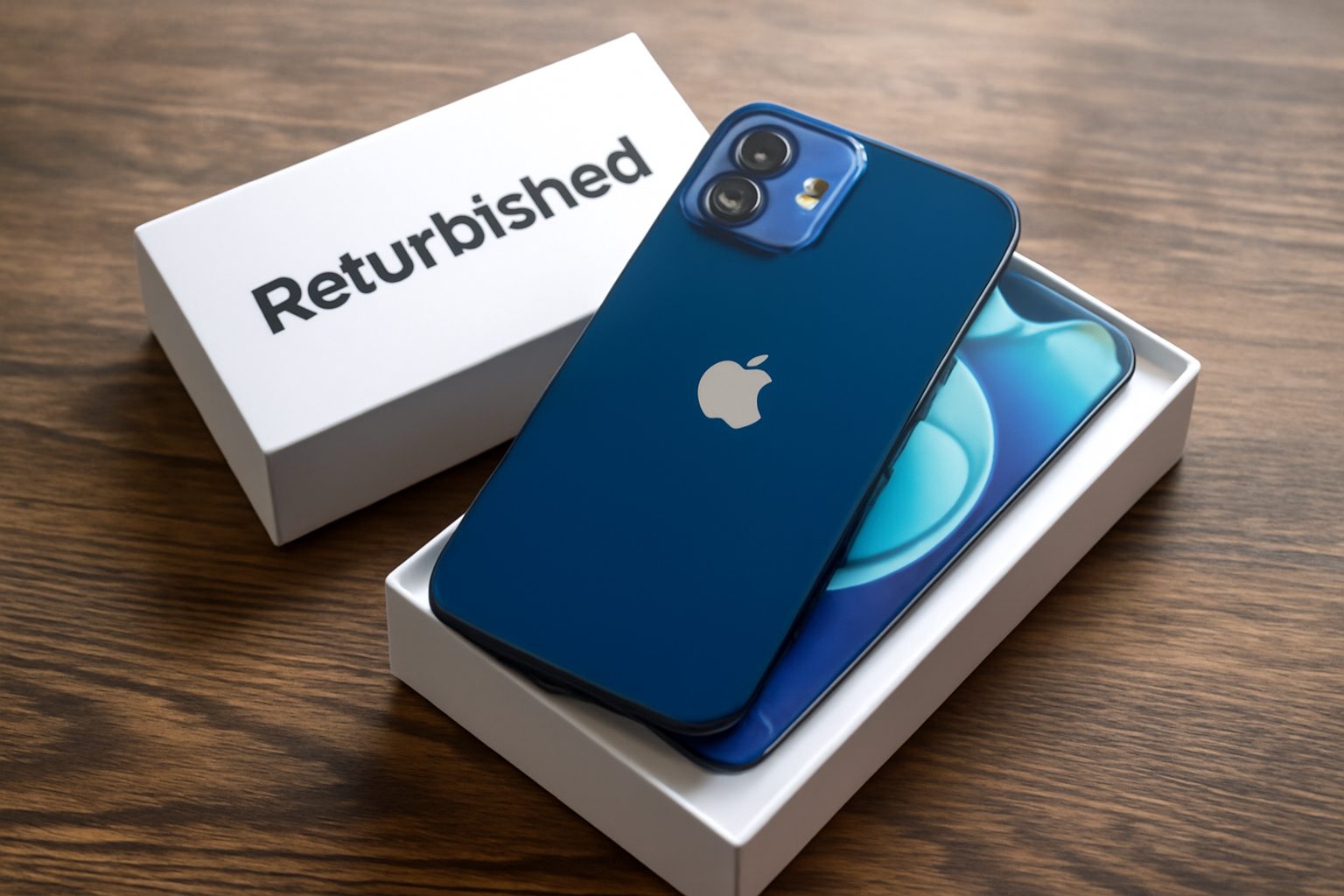
The refurbished iPhone 12 remains a smart buy due to its impressive features and performance. With advanced technology and a sleek design, it offers great value for money. Interested in getting an excellent smartphone at a lower price? Explore our range of Apple products.
Purchasing a refurbished iPhone 12 is not only a financially beneficial choice, but it is also a step towards sustainability. When we talk about a ‘refurbished’ device, we refer to a smartphone that has been previously used and restored to function as good as new. This process involves qualified technicians thoroughly inspecting the device, cleaning it and repairing it as necessary. The battery and screen are also often replaced to extend the operating time of the device.
By choosing a refurbished iPhone 12, consumers are making a responsible decision that extends the lifespan of valuable technologies. This not only has financial benefits, but it also supports the vision of a circular economy where the value of products is maximized and waste is minimized.
A refurbished iPhone 12 is a used iPhone that has been thoroughly tested, cleaned and, where necessary, fitted with new parts to make the device function as good as new. The device often comes from returns, demonstration models, or trade-in programs. Reputable providers of refurbished iPhones return the device to a condition that closely resembles that of a new iPhone.
Costs: A refurbished iPhone 12 is considerably cheaper than a new model. This is because the product has already been used before.
Appearance: Although a refurbished model may look very good, there may be minor signs of wear. A new iPhone 12 will have no signs of wear.
Packaging and Accessories: New iPhones are sold with original packaging and accessories. With a refurbished iPhone, these can be replaced by non-original but compatible options.
Warranty: A new iPhone 12 comes with a manufacturer's warranty. Refurbished providers often also provide a warranty, but the term and coverage may vary.
Battery: A new iPhone has a battery that has not been used before. With a refurbished device, the battery may have been replaced by a new or semi-new one that still has sufficient capacity.
Software: Both new and refurbished iPhones run the most recent version of iOS and offer the same software functionalities.
Choosing a refurbished iPhone 12 is an environmentally conscious and economically beneficial option. The device meets high quality requirements and, depending on the supplier, the difference with a new iPhone is barely noticeable in functional terms. For consumers who value sustainability and cost-efficiency, a refurbished iPhone 12 can therefore be an attractive alternative.
At a time when sustainability is becoming increasingly important, choosing a refurbished iPhone 12 is an environmentally responsible decision. Refurbishing used electronics helps reduce e-waste, or electronic waste, which would otherwise have a negative impact on the environment.
In short, choosing a refurbished iPhone 12 is not only good for your wallet but also for the planet. This way you can stay technologically up to date, while at the same time having a positive impact on the environment.
Purchasing a refurbished iPhone 12 offers significant financial benefits. A look at the cost savings and economic benefits of this choice may be enlightening for consumers looking to upgrade without taxing their bank accounts.
First, refurbished models are significantly cheaper than their brand new counterparts. This is because they have been previously used and then thoroughly checked, repaired and cleaned to return them to excellent condition. The cost savings when purchasing a refurbished iPhone 12 can amount to hundreds of euros, depending on the seller and the condition of the device.
In addition, buying a refurbished device brings indirect savings. Because the price is lower, there is often a saving on the insurance that one can take out. Less valuable devices typically qualify for cheaper insurance policies, which provide the same coverage as newer models.
Thirdly, there is the aspect of value retention. Refurbished iPhones generally hold their value better than brand new devices. This is because the initial depreciation - the largest drop in value that occurs when new electronics are purchased - has already taken place before the consumer purchases the refurbished device.
Finally, choosing a refurbished iPhone 12 contributes to sustainability and reduction of electronic waste. By choosing a refurbished device, consumers support a circular economy and reduce their environmental footprint, which can also result in tax benefits in some regions or situations.
These financial benefits make choosing a refurbished iPhone 12 not only a smart upgrade for the technology you use, but also a wise economic decision.
When considering purchasing a refurbished phone, reliability is often one of the biggest concerns. The iPhone 12, a powerful device first released in the fall of 2020, is proving to be a reliable choice even in 2023 for those looking for a phone with excellent value for money.
A refurbished iPhone 12 has undergone multiple rounds of rigorous testing and inspections to ensure the device meets the highest standards:
The long support life of Apple products also makes the refurbished iPhone 12 a solid choice. Apple is known for supporting its devices with updates for several years, which ensures:
When buying a refurbished iPhone 12 in 2023, one can still count on a device that remains technologically relevant, is supported with updates and offers the reliability expected from a new device, but at a significantly lower price .
When purchasing a refurbished iPhone 12, in addition to price and specifications, consumers also consider the warranty and support that comes with the product. These factors provide an added sense of safety and security, which is essential when investing in technology that has been used before.
The assurance provided by these warranty and support options adds to the appeal of a refurbished iPhone 12. However, it is important that consumers thoroughly review the details of these warranties and support services before finalizing the purchase. This way they can confidently benefit from the benefits that a refurbished model brings, without unpleasant surprises afterwards.
In a world where technology is developing rapidly, it sometimes seems as if the latest gadgets always come with a hefty price tag. However, with the rise of refurbished products, such as the iPhone 12, it has become possible to enjoy the latest features without paying the top price.
Refurbished iPhone 12 models are thoroughly checked and repaired if necessary. Defective parts are replaced with quality parts. In addition, the consumer often receives a warranty, which provides extra security.
The benefit of a refurbished iPhone 12 is not only financial. It also contributes to sustainability and the environment. The reuse of smartphones reduces e-waste and the demand for new raw materials.
A refurbished iPhone 12 offers many of the benefits of a new device, but without the hefty expenses. This makes it a smart choice for the budget-conscious consumer who does not want to lag behind the latest technological trends and innovations.
Students and entrepreneurs are often looking for ways to reduce costs without sacrificing quality. In this light, a refurbished iPhone 12 is an attractive choice. After all, refurbished products are used items that have been repaired and renewed to meet quality standards that are almost equal to new products.
The economic benefits for students and entrepreneurs are clear:
It is important to buy from reliable suppliers who offer guarantees on the refurbished device. Entrepreneurs and students obviously do not want to waste time with defective equipment or poor service.
Additionally, for students, having a reliable device for communication and study is essential and entrepreneurs rely on their phones for business communications and transactions. The refurbished iPhone 12 offers the necessary functionalities such as good battery life, high-quality camera and fast processor at a fraction of the cost. This makes it an economically sensible decision for anyone who has to watch their budget, but still values quality and performance.
A refurbished iPhone 12 often has the potential to last for years. Adequate maintenance and awareness of update policies are crucial to maximize service life. Below are some important tips:
Maintenance of the Hardware:
Software Maintenance:
Apple's Update Policy:
By being careful with both the physical condition and software of your iPhone 12, and staying abreast of Apple's update policies, you can maximize functionality and extend the life of your device.
Purchasing a refurbished iPhone 12 is becoming increasingly popular, partly because of the positive experiences that many users share. Customers indicate that the quality of a refurbished iPhone 12 often corresponds to that of a new device. The following points are frequently heard:
Cost savings: Users are generally very satisfied with the value for money. They indicate that they save significantly on costs compared to a new device, without sacrificing functionality or performance.
Sustainability: Environmentally conscious consumers like to emphasize the positive impact on the environment. By choosing a refurbished iPhone 12, they contribute to reducing electronic waste and saving raw materials.
Condition of the device: Many buyers report that they hardly notice any difference between a refurbished and a new device. Reliable providers ensure thorough inspection and, if necessary, replacement of parts, often leaving the device in excellent condition.
Warranty and Support: Buyers appreciate the warranty offered on refurbished iPhones. This gives them a sense of security and shows the seller's confidence in the product.
Performance: Despite the original release of the iPhone 12 some time ago, users are still reporting robust performance that meets current standards for apps and multimedia use.
Network compatibility and updates: Users confirm full network compatibility and access to the latest iOS updates, future-proofing the device.
The general sentiment is that a refurbished iPhone 12 is a worthwhile investment for those looking for a high-end smartphone without paying full price. The importance of purchasing through a reputable supplier is often emphasized to ensure a high-quality refurbishment.
Investing in a refurbished iPhone 12 is a wise choice in 2023 for several reasons:
The combination of economic benefits, maintenance of performance and functionality, sustainability aspects and warranty makes the refurbished iPhone 12 a smart investment for those looking for a high-quality smartphone with an eye for both the wallet and the environment.
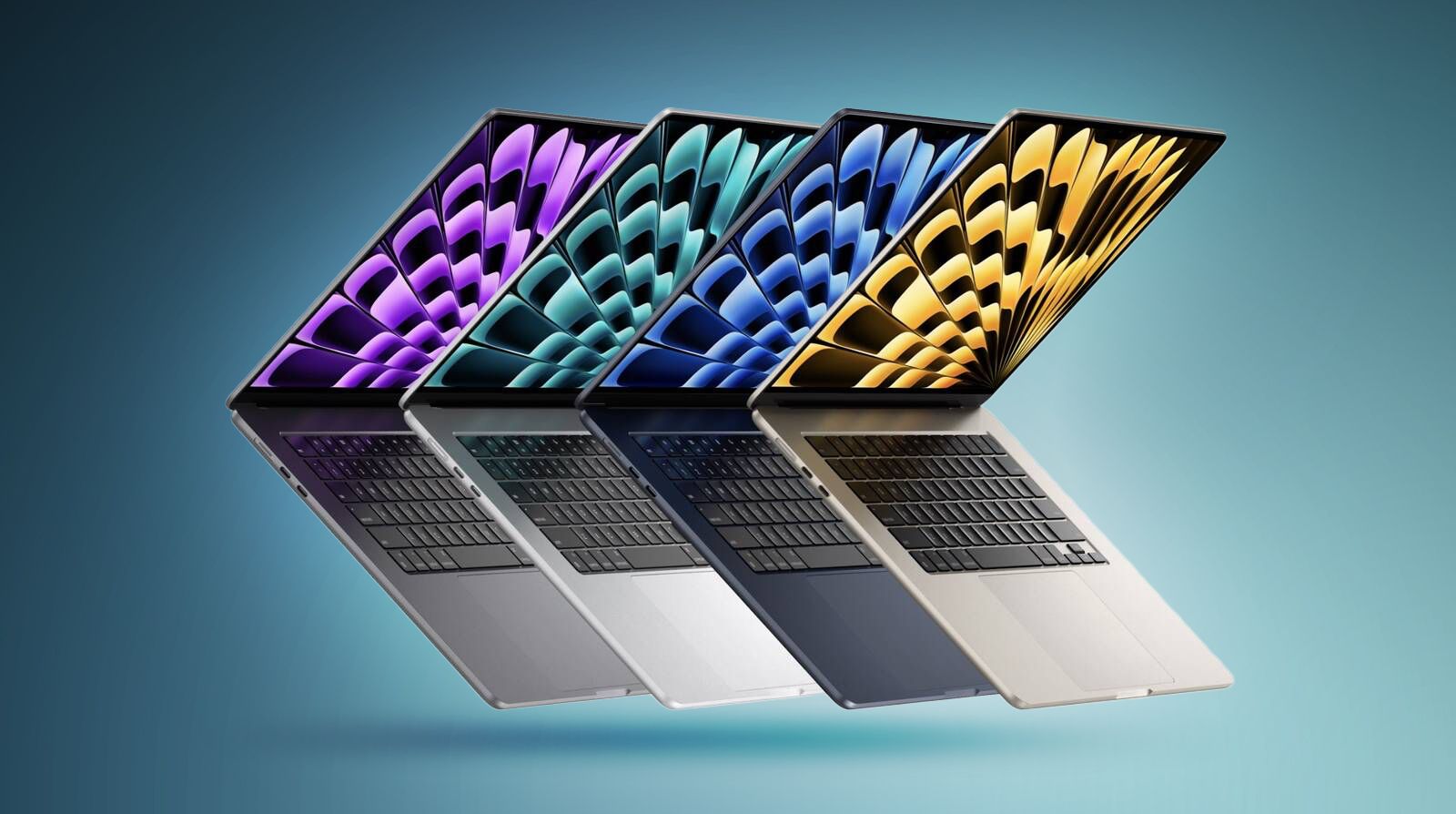
To get the most out of your MacBook, it's important to follow some essential tips for optimal performance and longevity. From regular software updates to managing storage effectively, these practices can make a significant difference. For more top-notch devices, take a look at our range of Apple products.
Your MacBook is a powerful piece of technology designed to increase your productivity and enrich your digital experience. Whether you're a graphic designer, a student, an entrepreneur, or just an enthusiast of Apple products, you want to get the most out of your device. Getting the most out of your MacBook isn't just about what you do with it, but also about how you do it. Adjusting settings, using keyboard shortcuts and knowing the right tips and tricks can significantly improve your daily use.
From organizing your workflow to protecting your data, there are countless ways to improve your experience and extend the life of your MacBook. In this section of the article, we reveal five essential tips to help you fully utilize the power of your MacBook.
By understanding your MacBook and using the right settings and features, you will not only work more efficiently, but also create a more enjoyable user experience. Let's look at these tips in more detail and discover how you can maximize the potential of your MacBook.
Learning keyboard shortcuts is one of the most effective ways to quickly navigate and perform tasks on your MacBook. Here are a few essential key combinations you can use right away:
These keyboard shortcuts can dramatically reduce the time you spend clicking and navigating with the mouse. Keeping your hands on the keyboard and using these combinations can make using your MacBook much more efficient. Give them a try and see how much faster you can work. When these combinations become second nature, you will find that you get through your work much faster.
To use your MacBook as efficiently as possible and maximize battery life, there are a number of steps you can take. A longer operating time is not only convenient; it can also improve your battery life.
By paying attention to your usage and settings on your MacBook, you can not only enjoy longer usage times today, but also help maintain the health of your battery in the long term.
Securing data is crucial. Imagine that all documents, photos and project files suddenly disappear due to a defect or theft. A good backup is like a life jacket for your data.
To get started, use Time Machine, your MacBook's built-in backup software. Connect an external hard drive and Time Machine will automatically make a copy of your entire system. It is recommended that you set up regular backups so that you always have the latest version of your data.
In addition, it is smart to use cloud storage services such as iCloud, Dropbox or Google Drive. With this:
In the case of a MacBook, it is also a good idea to make a 'bootable' backup. This involves making a copy of your entire system on an external drive that you can use to boot your MacBook in an emergency. You can do this with tools such as SuperDuper or Carbon Copy Cloner.
Finally, remember that two backups are better than one. Therefore, keep a local backup (on an external drive) and an external backup (in the cloud). This way you are protected against both technical problems and physical damage or theft.
By following these steps, you can use your MacBook with confidence, knowing your data is safe.
MacBooks are ideal for users who enjoy multitasking thanks to a feature called ‘Spaces’. This allows one to easily switch between different virtual desktops for orderly workspaces.
Setting Up Spaces: Start by going to ‘System Preferences’ and select ‘Mission Control’. There you can find ‘Spaces’ add by pressing the plus button in the top right corner. Here you organize projects or activities per space, so that everything is neatly organised.
Quick Switch: To quickly switch between Spaces, use four fingers and swipe sideways on the trackpad. For an overview of all Spaces, swipe up with four fingers.
Keyboard Shortcuts: Knowing what shortcuts are available can make a world of difference. Try ‘Ctrl’ followed by the arrow keys to switch, or use ‘Ctrl’ with a number to jump directly to the relevant Space.
Pin applications: If certain apps are used in multiple Spaces, you can pin them. To do this, right-click on the app icon in the dock, go to ‘Options’ and choose ‘In all desktops’. This way the app remains accessible from any Space.
Manage WindowManager: For ultimate control, consider installing WindowManager apps. These take Space management to the next level with even more refined settings.
By using Spaces efficiently, you create a tidy and productive workspace that makes multitasking easier. It eliminates the need to continuously navigate a cluttered desktop and promotes focus and productivity. With a little practice switching between Spaces, your workday will become a lot more streamlined.
Every MacBook user has different needs and preferences when it comes to the organization and functionality of their device. That's why it's important to adjust Dock preferences and system settings for optimal productivity.
Starting at the Dock:
For a clear desktop:
In System Preferences you can also improve your work experience:
Ultimately, adjusting preferences will help you be less distracted and speed up your workflow. Experiment with these settings to find what works for you. With personal adjustments, your MacBook truly becomes yours, optimized for your use.
When it comes to your MacBook, you probably use numerous online services and applications that contain sensitive information. It is therefore crucial to take your privacy and security seriously. Here are some tips to use your MacBook as safely as possible.
Enable FileVault: FileVault is macOS' built-in disk encryption that protects your data. With FileVault, the contents of your system drive are fully encrypted, preventing unauthorized access.
Use Strong Passwords: Provide unique, complex passwords for all your accounts, especially your MacBook login. Consider using a password manager to manage these.
Enable Two-Factor Authentication: This adds an extra layer of security to your Apple ID and other important accounts by requiring you to use a second form of identification.
Update Regularly: Make sure your MacBook is always updated with the latest software updates from Apple. These updates often include important security patches that help protect you against new threats.
Be Wiser Online: Don't just click on links in emails or messages and don't download software from unknown or unreliable sources. Also be careful about sharing personal information online.
By following these steps, you will make it more difficult for malicious parties to gain access to your personal and sensitive data. Protect your privacy and your MacBook with these simple, yet effective methods.
Automation on your MacBook can help you perform common tasks faster and more efficiently. By using Automator and Siri Shortcuts you can reduce complex procedures to one simple click or voice command. Here are some benefits and tips for using these powerful tools:
Increase Your Productivity: With Automator you can create workflows that combine multiple steps into a task. For example, consider reducing images, merging PDFs, or automatically organizing your downloads folder.
Integrate with Siri: Siri Commands make it possible to perform certain actions with voice commands. This way you can use a simple “Hey Siri, start my workday” open multiple apps at the same time and prepare your work environment.
Save Time: By automating repetitive tasks, you save time that you can spend on more important things.
Fewer Errors: Automatic processes reduce the chance of human errors. This improves the consistency and reliability of your work.
Custom Automation: Both Automator and Siri Commands can be customized to your specific needs and routines.
Start experimenting by automating simple tasks and gradually expand your knowledge to unleash the full potential of your MacBook. Automator has an easy-to-use interface that helps you visually organize steps, while Siri Shortcuts are great for quickly performing actions with your voice. By using these tools intelligently, you can transform the way you work on a MacBook and significantly increase efficiency.
To keep your MacBook in top condition, regular cleaning and maintenance is essential. Here are some helpful tips:
Keep the screen clean: Use a microfiber cloth to remove fingerprints and dust from the screen. If necessary, lightly moisten with water or a special screen cleaner for electronics.
Keyboard and Touchpad: Crumbs and dust can get between the keys. Choose a can of compressed air to remove dirt. Proceed with care to avoid damage.
Exterior: Wipe the exterior of your MacBook with a soft, slightly damp cloth. Do not use abrasive substances, as they may damage the housing.
Stay up to date: Make sure the operating system and all software are up to date. This not only improves security, but also keeps your MacBook fast and efficient.
Battery maintenance: Avoid complete discharge of the battery. It is better to charge the battery before it is completely discharged. Also calibrate the battery by fully charging it once a month and then allowing it to fully discharge.
Avoid overheating: Make sure ventilation openings are clear and do not block them. Use on your lap with care and avoid soft surfaces that may restrict airflow.
Organize your files: Make sure there is enough free space on your hard drive. Delete unnecessary files and apps and consider using cloud storage for extra space.
By following these maintenance tips, you will extend the life of your MacBook and ensure an optimal user experience.
In today's digital world, we expect our data to be accessible anywhere and anytime. Cloud services like iCloud, Dropbox, Google Drive, and Microsoft OneDrive provide a seamless syncing experience between all your devices, including your MacBook. Here's how you can apply these services for optimal synchronization:
Use iCloud for Apple integration: iCloud is deeply integrated into macOS and iOS. Turn on “iCloud Drive” in “System Preferences” on your MacBook, and you can save documents and photos that automatically sync with your iPhone, iPad and even Apple TV.
Organize your files: Ensure a clear folder structure within your chosen cloud service. This makes it easier to find and edit files across devices.
Use Automatic Uploads: Photos and documents can be set to automatically upload to your cloud service. This ensures that you always have the most recent version of a file at hand, regardless of the device you use.
Secure your data: Most cloud services offer strong security features, such as two-step verification. Make sure you use these to protect your personal and sensitive information.
Check the available space: Regularly monitor the amount of available storage space. Avoid unpleasant surprises by not suddenly running out of space; upgrade your storage plan if necessary.
By following these tips, you can make the most of cloud services for a seamless digital environment. Your files are always up-to-date, secure and accessible, which significantly improves the productivity and ease of use of your MacBook.
When your MacBook fills up, it's time to think about expansion and storage. Fortunately, there are both physical and virtual options available to boost your storage capacity.
External hard drives: These are perfect for storing large files such as videos and images. Choose an SSD (solid-state drive) for faster transfer speeds and better durability. Connect the drive to your MacBook via USB or Thunderbolt and you can get started right away.
Network Storage (NAS): A NAS system is ideal for those who want to access files from different devices within the same network. It enables you to centrally store and manage large amounts of data.
USB sticks: Suitable for easy file exchange or temporary storage. Their portability makes them convenient for work or school.
Cloud storage services: Cloud storage offers flexibility and accessibility. Services like iCloud, Dropbox, and Google Drive sync your files across multiple devices and provide online backup. This makes sharing with others easy and ensures that your data is safe if your MacBook is lost or stolen.
SD cards: If your MacBook has an SD card slot, you can use it for extra storage. This is a quick and easy way to expand storage capacity, especially useful for photographers and videographers.
Make an informed choice about which type of storage best suits your needs. Whether you choose the portability of external hard drives, the continuity of network storage, the simplicity of USB drives, the versatility of cloud storage, or the convenience of SD cards, there are plenty of options to keep your MacBook running at its best. use.
You have now learned five essential tips for optimal use of your MacBook. But you make the real difference by actually applying it. Don't be afraid to experiment with settings and customize your MacBook to your own needs. Here are some closing suggestions you won't want to miss:
By embracing these tips and applying them regularly, your MacBook experience will significantly improve. Have fun exploring the possibilities and enjoy the streamlined, more effective way of working with your MacBook!