The Ultimate Buying Guide: The Best Refurbished MacBooks for Creative Professionals
The Best Refurbished MacBooks for Creative Professionals
Creative professionals need reliable and powerful tools to bring their visions to life, and refurbished MacBooks offer just that. These devices provide top-notch performance and innovative features at a fraction of the cost of new models. Looking for the perfect device to enhance your creativity? Check out our selection of Apple products.
Here's an overview:
- Introduction to Refurbished MacBooks
- Why Choose a Refurbished MacBook?
- Criteria for Choosing a Refurbished MacBook
- Best Models Refurbished MacBooks for Creative Professionals
- What to Look for in Specifications and Hardware
- How to Compare Prices and Value for Money
- Warranty and Technical Support Options
- Trustworthy Sellers and Safe Online Buying of Refurbished MacBooks
- User experiences: What Do Creative Professionals Say?
- Software compatibility and performance
- Essential Accessories for Your Refurbished MacBook
- Conclusion: Making an Informed Choice
Introduction to Refurbished MacBooks
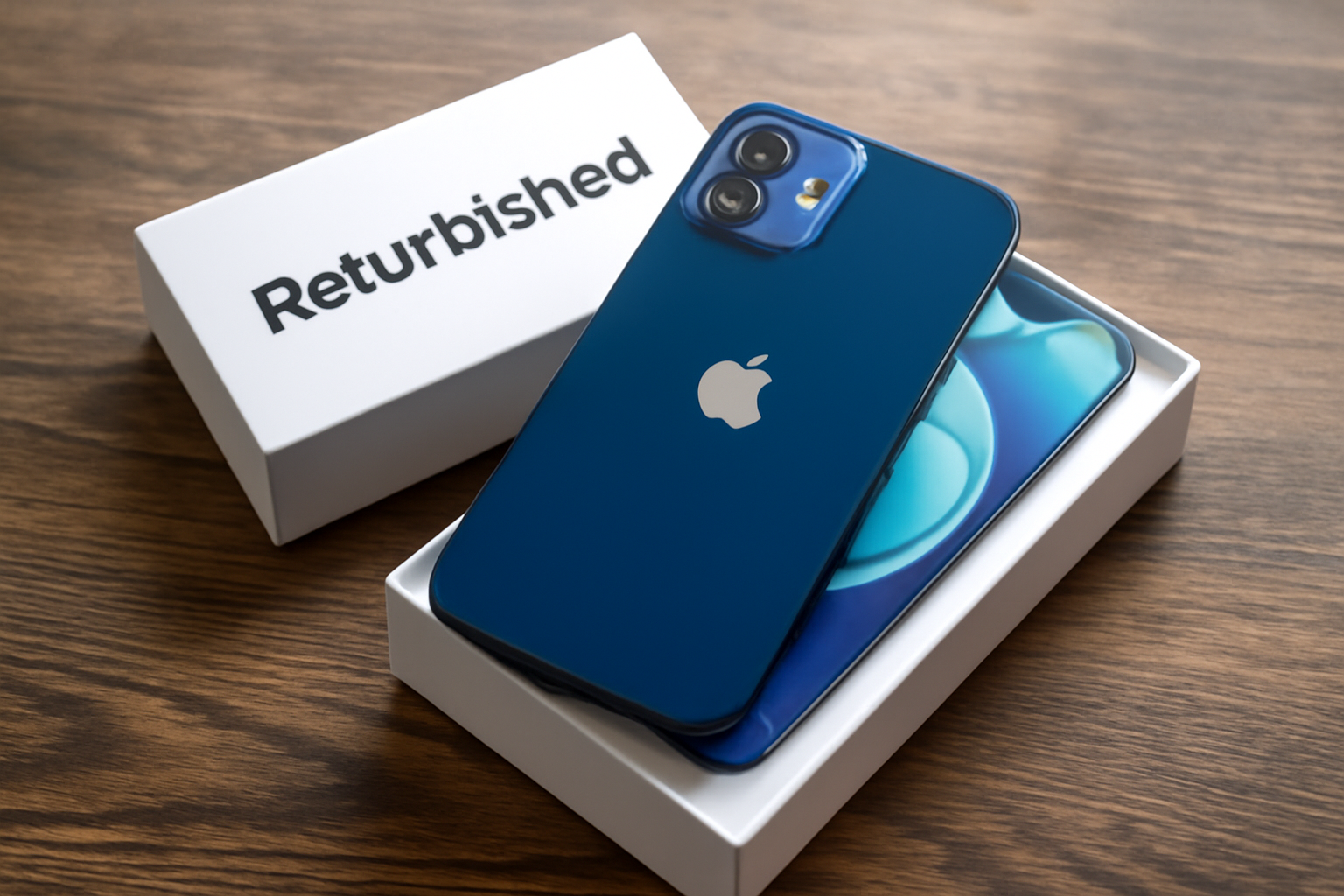
When budget is a determining factor or sustainability is an important consideration, choosing a refurbished MacBook can be a wise decision. Refurbished appliances are used products that have been carefully inspected, cleaned, repaired and, where necessary, fitted with new parts to meet specific quality standards. This process ensures that a refurbished MacBook is not only functionally as new, but also aesthetically can hardly be distinguished from a brand new copy.
The market for refurbished MacBooks is broad and diverse. It includes devices that have been returned due to cosmetic or technical defects, which have subsequently been repaired. They may also be models that were used as a demo or acquired as part of a trade-in program. These MacBooks often have the following advantages:
- Cost-efficient: Significantly cheaper than new, up to 50% of the original price.
- Environmentally friendly: Reuse reduces e-waste and saves raw materials.
- Quality assurance: Refurbished devices have been thoroughly tested and often come with a warranty.
- Immediately available: Unlike waiting for the latest models, refurbished MacBooks are immediately available.
Despite these benefits, there are also certain considerations to take into account. For example, battery life may be less than that of a new MacBook and technological advances may mean that an older model does not have all the latest features.
For creative professionals who count on the performance and reliability of their equipment, a refurbished MacBook can be an ideal solution. However, it makes sense to carefully investigate which providers are reliable and certified, and what guarantees and support they offer.
Why Choose a Refurbished MacBook?
Choosing a refurbished MacBook has several advantages that are especially attractive for creative professionals who place high demands on their equipment, but at the same time want to be conscious of their budget and the environment.
Cost Savings: Refurbished MacBooks are significantly cheaper than their brand new counterparts. This makes it possible for creatives with a limited budget to have a powerful machine that can support their creative workflow.
Sustainability: By choosing refurbished, you contribute to a circular economy and the reduction of e-waste. Apple products are known for their long lifespan and reliability, making a refurbished MacBook a sustainable choice.
Quality Control: Reputable suppliers of refurbished MacBooks carry out thorough quality control and renovation. This means that any defective parts have been replaced and the laptop has passed a strict inspection before being resold.
Warranty: Suppliers of refurbished MacBooks often offer a warranty, which provides extra security. If unexpected problems do occur, the warranty guarantees repair or replacement.
However, it is important to buy from a reliable party that ensures that the MacBook meets strict quality requirements. Creative professionals can enjoy a high-quality product without paying the top price, and at the same time contribute to responsible consumption.
The combination of price, durability and quality guarantee makes the refurbished MacBook a wise investment for any creative professional looking for an optimal balance between performance and cost-efficiency.
Criteria for Choosing a Refurbished MacBook
When selecting a refurbished MacBook, it is essential to consider a number of important factors. These criteria help creative professionals choose a laptop that suits their specific needs and workflow. Here are the most important considerations:
Specifications: Make sure the MacBook has enough processing power, RAM and storage capacity to run complex creative software smoothly. Ideally, a MacBook for creative work should have at least an Intel Core i5 processor, 8GB RAM and 256GB SSD.
Condition of the product: Check the cosmetic condition and look for any indication of wear. A reliable provider will provide detailed information about the condition of the MacBook and any defects.
Battery condition: Battery life is crucial for mobility. Information about battery health and number of charge cycles should be available, with a lower number of charge cycles indicating better condition.
Warranty: Look for offers with a warranty, which is an indication of the reliability of the seller and the product. A warranty of at least 12 months is recommended.
Return Policy: A flexible returns policy can provide peace of mind in case the MacBook doesn't meet expectations.
Accessories: It must be clear whether the MacBook comes with original accessories such as the charger. Replacement accessories can sometimes be of inferior quality.
Software update support: Some older MacBooks cannot run the latest macOS versions. Make sure the MacBook you choose is compatible with the software you plan to use.
Price: Finally, compare prices between different providers. Make sure the price matches the age, specifications and condition of the MacBook.
By carefully weighing these criteria, creative professionals can confidently invest in a refurbished MacBook that maximizes their creative potential.
Best Models Refurbished MacBooks for Creative Professionals
For creative professionals looking for the ideal balance between performance and budget, refurbished MacBooks are an excellent choice. There are specific models that are particularly suitable for work such as graphic design, video editing and music production. When selecting a refurbished MacBook, it is important to consider the technical specifications such as the processor, working memory (RAM) and storage capacity.
MacBook Pro 15-inch (2015): Despite its age, this model has a powerful quad-core Intel i7 processor and retina display, ideal for designers who do detailed work. It's a reliable workhorse with plenty of ports without having to rely on dongles and adapters.
MacBook Pro 16-inch (2019): The 16-inch MacBook Pro is a powerhouse, perfect for video editors and music producers, thanks to its powerful processors, AMD Radeon Pro 5000M series graphics maps and an impressive high-resolution screen.
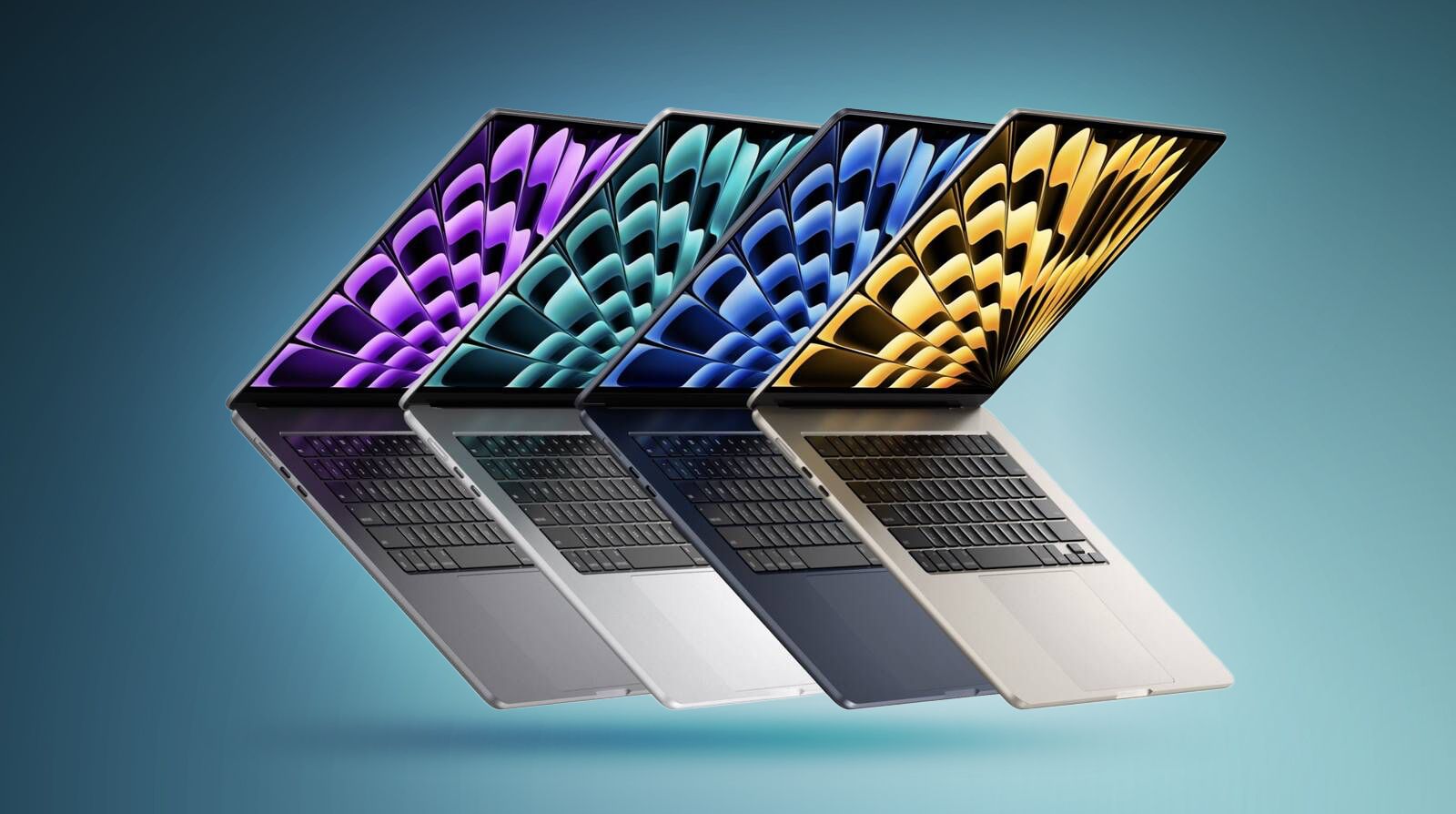
MacBook Air (Retina, 13-inch, 2018-2019): For creative professionals on the go, this model offers an excellent blend of portability and power. With a Retina display, solid performance and a lightweight design, it is suitable for tasks such as photo editing and graphic design.
When purchasing a refurbished model, make sure you choose a reliable provider that offers a warranty on their products. Also pay attention to the battery status and the number of cycles it has completed. This way you have the best possible chance that your refurbished MacBook is the perfect partner for your creative projects.
What to Look for in Specifications and Hardware
As a creative professional looking for a refurbished MacBook, there are specific specifications and hardware components that are vital to your workflow. Here are some essential aspects to consider:
Processor (CPU): Look for a MacBook with an Intel Core i5 or i7 processor, or, if possible, the newer M1 or M1 Pro/Max chips. These provide more computing power, which is essential for heavy applications used in design and video editing.
Memory (RAM): A minimum of 8GB of RAM is necessary, but 16GB or more is highly recommended for multitasking and memory-intensive programs such as Adobe Photoshop, Illustrator, or video editing applications.
Storage (SSD): Choose solid-state drives (SSDs) for faster boot times and file transfers. An SSD of 256GB is the minimum, but for large projects and libraries 512GB or 1TB is better.
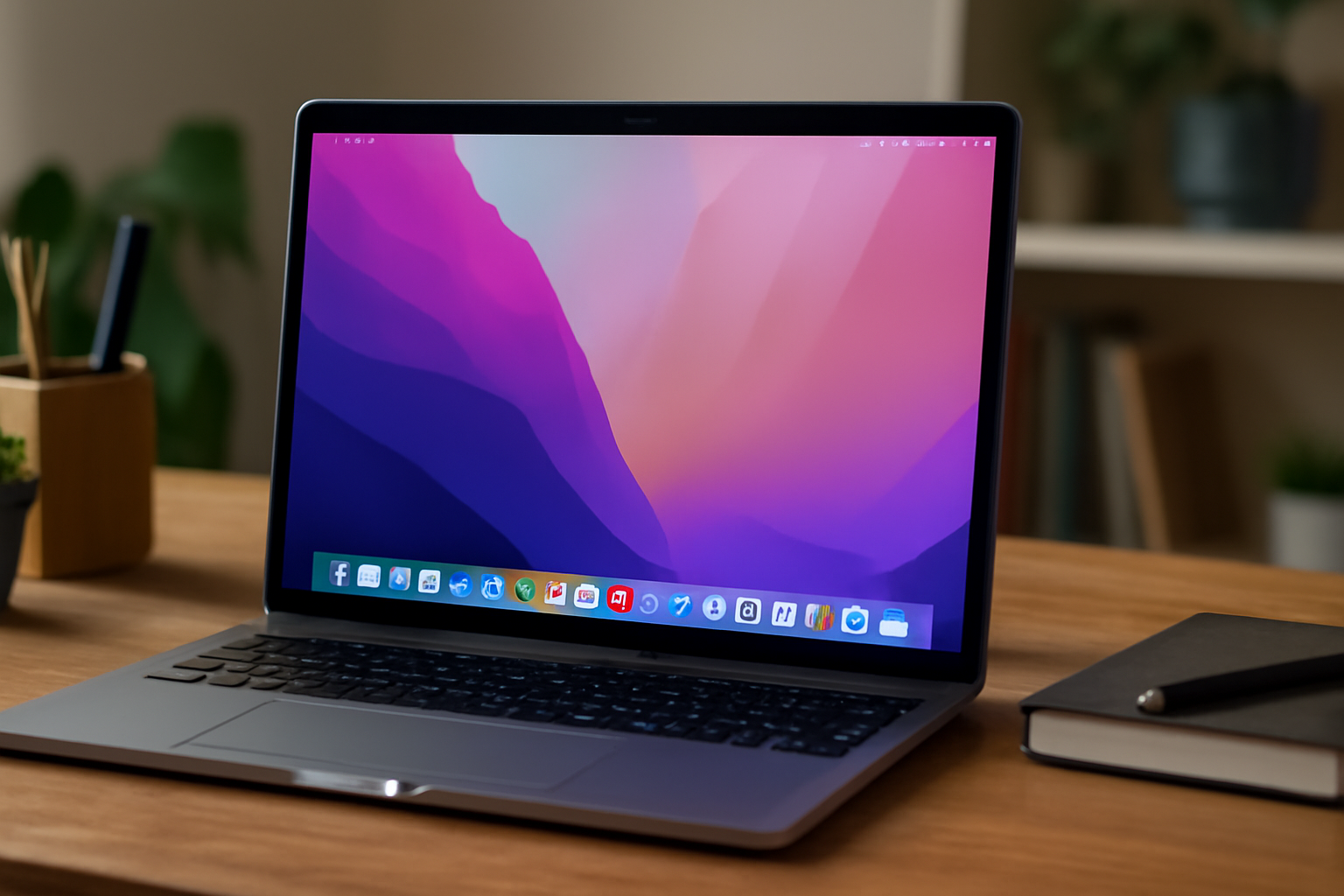
Screen resolution and size: A Retina display is almost standard on modern MacBooks, ensuring sharp images and accurate color reproduction. Depending on your preference and mobility needs, the size can range from 13-inches to 16-inches.
Graphics Card (GPU): For video editing and 3D rendering, look for a MacBook with a powerful dedicated GPU such as the AMD Radeon Pro series.
Ports and connectivity: Make sure the MacBook has enough Thunderbolt and USB-C ports for your peripherals. An SD card slot can also come in handy for photographers.
Battery life: Check the expected battery life of the refurbished MacBook. For professionals on the go, long battery life is crucial.
Warranty and support: Make sure you purchase refurbished products from a reliable supplier that offers warranty and customer support should you encounter any technical issues.
By keeping these specs in mind while shopping, you can find a refurbished MacBook that is not only cost-effective, but also supports your creative needs.
How to Compare Prices and Value for Money
When looking for the best refurbished MacBook for creative professionals, it's essential to carefully compare prices and value. Here are some steps you can follow:
Research the Market: Start by researching the market to get an idea of the average price for the model you are looking for. Don't just look at the asking price, but also at what is included, such as warranties and accessories.
Check reliability of sellers: Not all suppliers of refurbished MacBooks are the same. Verify the trustworthiness of the store or website. Look at customer reviews, return policies and after-sales service.
Compare specs: Make sure you're comparing apples to apples. Look carefully at the specifications such as processor speed, RAM, storage capacity and battery condition. For creative professionals, a more powerful processor or more RAM can be crucial.
Check for certifications: Look for MacBooks that are certified refurbished. This means that they have gone through thorough testing and often come with a certain guarantee.
Determine the total cost: Some prices may seem lower at first glance, but may increase after adding essential upgrades or extras. Calculate the total costs so you can make a fair comparison.
Research warranties and service packages: Look at the length and coverage of the warranty and available service packages. A longer warranty or the possibility of repairs may justify a higher price.
Use price comparison tools: Online tools and plugins can help compare prices from different providers. Use these tools to find the best deal.
By following these steps, you can be sure you're not only getting the best price, but also the best value for your money when you invest in a refurbished MacBook for your creative work.
Warranty and Technical Support Options
Creative professionals investing in refurbished MacBooks want to be sure their device is reliable and has support in case something goes wrong. That's why it's important to consider what warranty and technical support options are available when purchasing a refurbished MacBook.
Standard Warranty: See if the seller offers a warranty, which can be a sign of confidence in their refurbishing process. The length and coverage of the warranty vary, but in general one should aim for a warranty period of at least 12 months.
Extended warranty: Some providers offer the option to extend the standard warranty. This can provide extra security, especially if you are going to use the MacBook intensively for professional creative projects.
Technical Support: Find out if the seller offers technical support. This could include phone support, online chat, or even in-person assistance. Fast and competent support can be crucial when encountering technical problems.
AppleCare: At some refurbishers you can choose to purchase AppleCare. While this is an additional cost, it provides comprehensive coverage and access to Apple's customer service and technical support.
Return Policy: A reliable return policy is important in case the MacBook does not meet expectations. Please check the terms of sale to understand the period within which you can return the product.
Choosing the right warranty and support option can minimize any future challenges and keep the creative workflow smooth. It is an important consideration that ensures the long-term durability and reliability of the MacBook.
Trustworthy Sellers and Safe Online Buying of Refurbished MacBooks
When buying a refurbished MacBook, it is crucial to work with reliable sellers. A reliable seller can be recognized by a number of important characteristics:
- Transparency about product condition: A good seller provides clear information about the condition of the MacBook, including any signs of use or technical defects that have been resolved.
- Warranty: Trusted suppliers always offer a warranty period, which means you are covered against unexpected defects after purchase.
- Customer Reviews: Look for online reviews and testimonials from previous customers to assess the seller's reliability.
- Quality marks: Quality marks such as the Thuiswinkel Waarborg or Certified Refurbished indicate that the seller meets certain quality standards.
In addition to choosing a reliable seller, it is important to pay attention to the safety of buying online:
- Use a secure connection: Please note that the website URL starts with ‘https’ and that a lock icon is visible in the address bar.
- Payment methods: Choose secure payment methods such as iDEAL, credit card or PayPal, which offer protection for online purchases.
- Privacy Policy: Please read the merchant's privacy policy to ensure your personal information is treated securely.
- Return Policy: Check the seller's return policy in case the MacBook does not meet your expectations.
Follow these guidelines to make a safe and reliable purchase of a refurbished MacBook. This allows you to avoid risks and provide a valuable addition to your arsenal as a creative professional.
User Experiences: What Do Creative Professionals Say?
For creative professionals, the performance and reliability of technological tools is just as important as their creative skills. A refurbished MacBook can be an attractive option due to its cost-effectiveness and environmental friendliness. But what do the users themselves say about their experiences with refurbished MacBooks?
- Quality and performance: Most creative professionals emphasize the excellent performance of their refurbished MacBooks, comparable to the new variants. Many underline the need to purchase from authorized sellers to ensure quality.
“My refurbished MacBook Pro works seamlessly with demanding programs such as Adobe Premiere Pro. It feels like new.”, reports a freelance video editor.
Battery life: Professionals on the go report that the battery life of their refurbished MacBook is impressive, provided the device has been properly refurbished. Web designers and photographers who work long hours without access to power especially appreciate this reliability.
Upgrade options: Some graphic designers tout the ability to customize a refurbished MacBook, with additional RAM or a larger SSD, which can be very cost-effective.
Warranty and support: The importance of good customer service and warranty is often endorsed by creative professionals. They recommend checking what the warranty conditions entail before purchasing.
“I had a small problem with the screen, but this was quickly resolved thanks to the warranty.”, says a graphic designer.
- Sustainability: Sustainability is often an important issue for creative professionals. Many choose a refurbished MacBook because they care about the environment. They are satisfied that they are both helping the planet and having access to professional technology.
By considering users' opinions, it becomes clear that a refurbished MacBook can be a wise choice for creative professionals who value cost savings, performance, and durability.
Software compatibility and performance
When choosing a refurbished MacBook, it is essential to thoroughly consider software compatibility and expected performance. Creative professionals, such as graphic designers, video editors and music producers, need machines that can effortlessly run the latest and most demanding applications.
Compatibility Check
- Operating System: Check if the MacBook can be updated to the latest version of macOS. This ensures access to the latest features and security updates.
- Software Requirements: Research the system requirements of the software you plan to use. Some programs, such as Adobe Creative Cloud, require recent hardware and may have performance issues on older models.
- Future-proof: Consider whether the MacBook will be able to support future software updates. This is crucial for the longevity of your investment.
Performance Analysis
- Processor: Look for Intel i5 or i7 processors or, in newer models, the M1 chip. More cores and a higher clock speed usually mean better performance for heavy tasks.
- Memory: For creative work, try to use at least 8GB of RAM, although 16GB or more is recommended for heavier applications such as video editing.
- Storage: Solid State Drives (SSDs) offer faster boot speeds and file transfers, improving overall performance. Also check that there is enough storage space available for your files.
- Graphics performance: For tasks like 3D rendering and video editing, a MacBook with a powerful graphics card is essential.
Refurbished MacBooks can be an economical choice for creative professionals, as long as they are carefully selected for software compatibility and performance. By evaluating these aspects, you will make an informed decision that suits your professional needs.
Essential Accessories for Your Refurbished MacBook
Once you've chosen the perfect refurbished MacBook, it's time to invest in the right accessories that can optimize your experience as a creative professional. Here are some essential accessories you shouldn't miss:
High Quality Case or Sleeve: Protect your MacBook against scratches and bumps with a sturdy case or an elegant sleeve. Choose a design that suits your personal style and provide extra protection during transport.
External Hard Drive: An external hard drive is crucial for extra storage or backups, especially if you work with large files such as videos and high-resolution images. Go for an SSD for faster transfer speeds.
USB-C Hub: Since newer MacBooks have limited ports, a USB-C hub is essential to connect multiple devices simultaneously, including external displays, SD card readers and other USB accessories.
Keyboard Protection: Protect your MacBook's keyboard from dust and spills with a keyboard protector. They are available in different colors and materials.
Portable Charger: For professionals on the go, a portable charger is a must to ensure your MacBook is always charged.
Quality Headphones or Earbuds: To concentrate on your work, good noise-canceling headphones or earbuds are indispensable, especially in noisy environments.
By investing in these accessories, you can significantly improve the functionality of your refurbished MacBook and create a smoother workflow. This way, as a creative professional, you can maximize your productivity and creativity.
Conclusion: Making an Informed Choice
When purchasing a refurbished MacBook, it is essential that creative professionals such as graphic designers, video editors, and music producers make an informed choice. Performance, compatibility with required software, and value for money are critical factors that should be considered in the decision process.
Factors to Consider:
- Performance: Find out what technical specifications are needed for your specific creative work. Make sure the processor, RAM, and graphics card are sufficient to run demanding applications smoothly.
- Storage capacity: Check whether the storage meets your requirements. SSDs offer faster performance than traditional hard drives, which can be essential for processing large files quickly.
- Screen quality: Choose a model with a Retina display for bright, color-accurate visuals, important for design and video editing tasks.
- Connectivity: Consider the number and types of ports the laptop offers. Thunderbolt 3 or USB-C ports can be essential for connecting external devices.
- Warranty and Support: Look for reliable sellers that offer warranty and customer service so you can get help if something goes wrong with your MacBook.
- Budget: Determine your budget and weigh the costs against the lifespan and performance of the refurbished MacBook.
An informed choice ultimately depends on a thorough evaluation of these factors in relation to one's own needs and work processes. Patiently and carefully exploring options will result in a reliable and cost-effective machine that maximizes your creative potential.