
How to reset a MacBook.
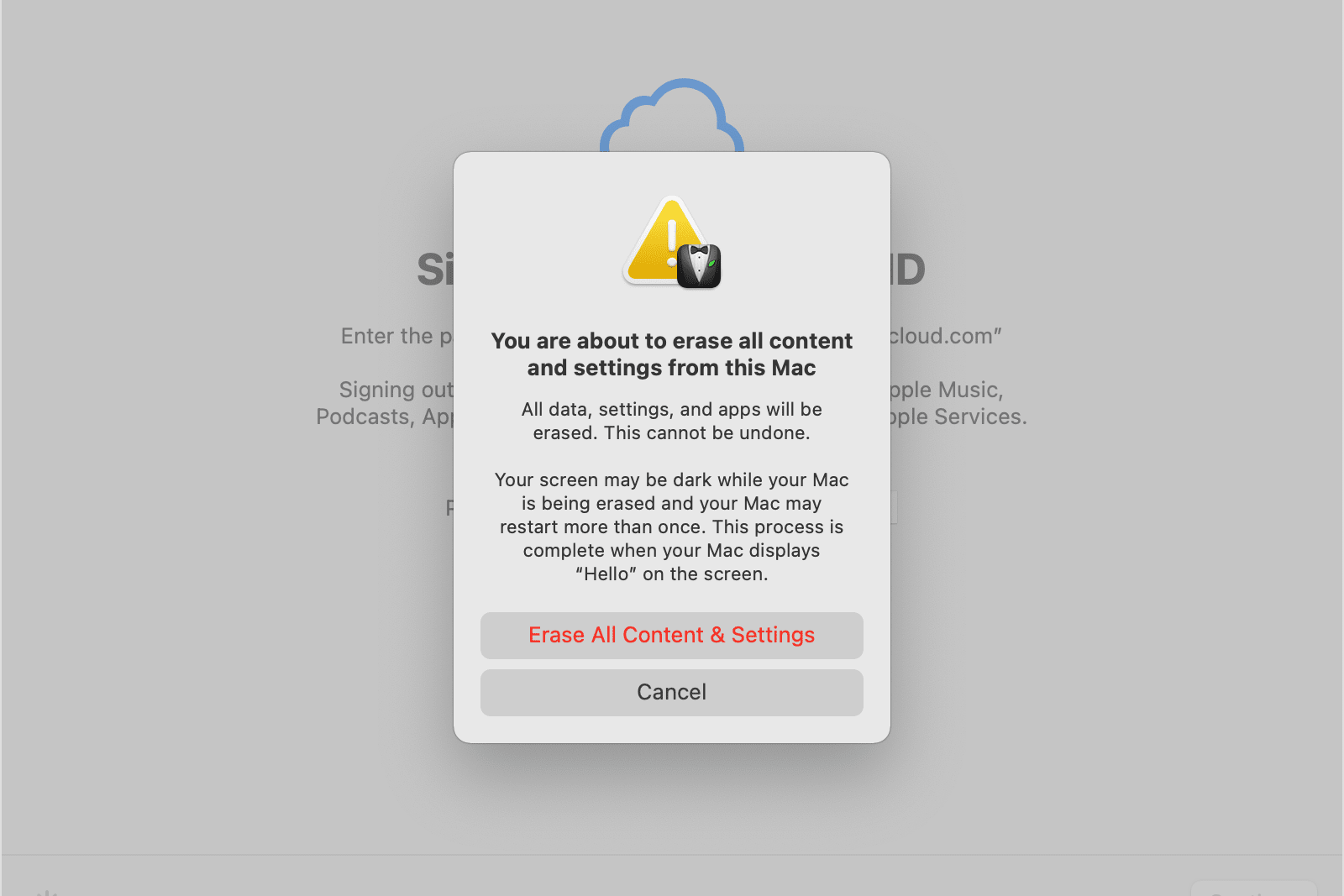
How to factory reset a MacBook?
To factory reset your MacBook, follow these steps:
- Back up your data using Time Machine or another backup method.
- Restart your MacBook and immediately hold down Command (⌘) + R to boot into macOS Recovery Mode.
- Choose Disk Utility from the menu and select your startup disk.
- Click Erase and choose APFS or Mac OS Extended (Journaled) as the format.
- Close Disk Utility and choose Reinstall macOS from the recovery menu.
- Follow the on-screen instructions to reinstall macOS.
After installation, your MacBook will start up as if it were brand new.
Refurbished MacBooks?
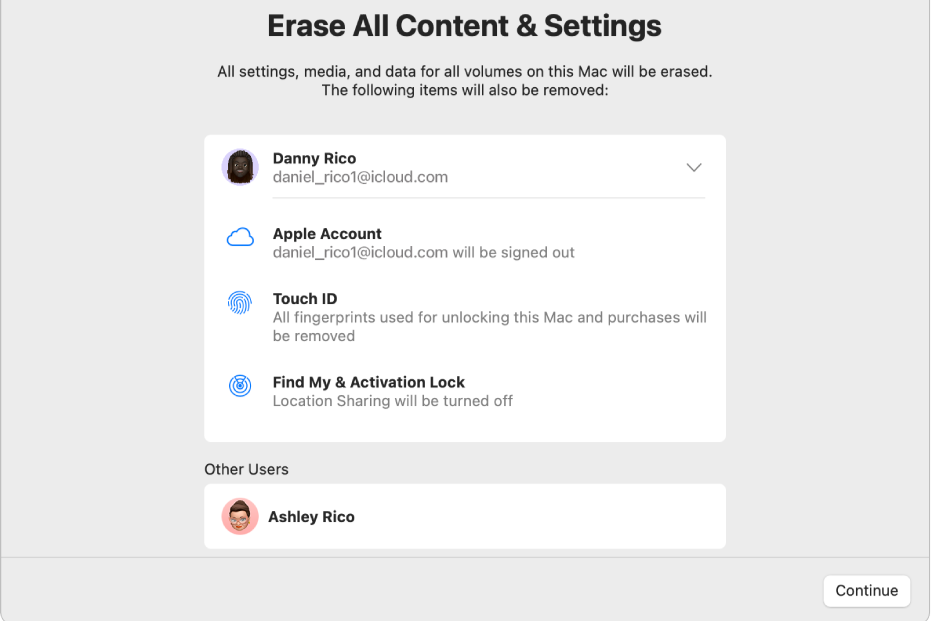
What happens during a MacBook reset?
A factory reset will remove all personal files, settings, and installed programs from your MacBook. The computer will return to its original state with a fresh installation of macOS. Make sure you have created a backup before performing the reset, as deleted files cannot be recovered without a backup.
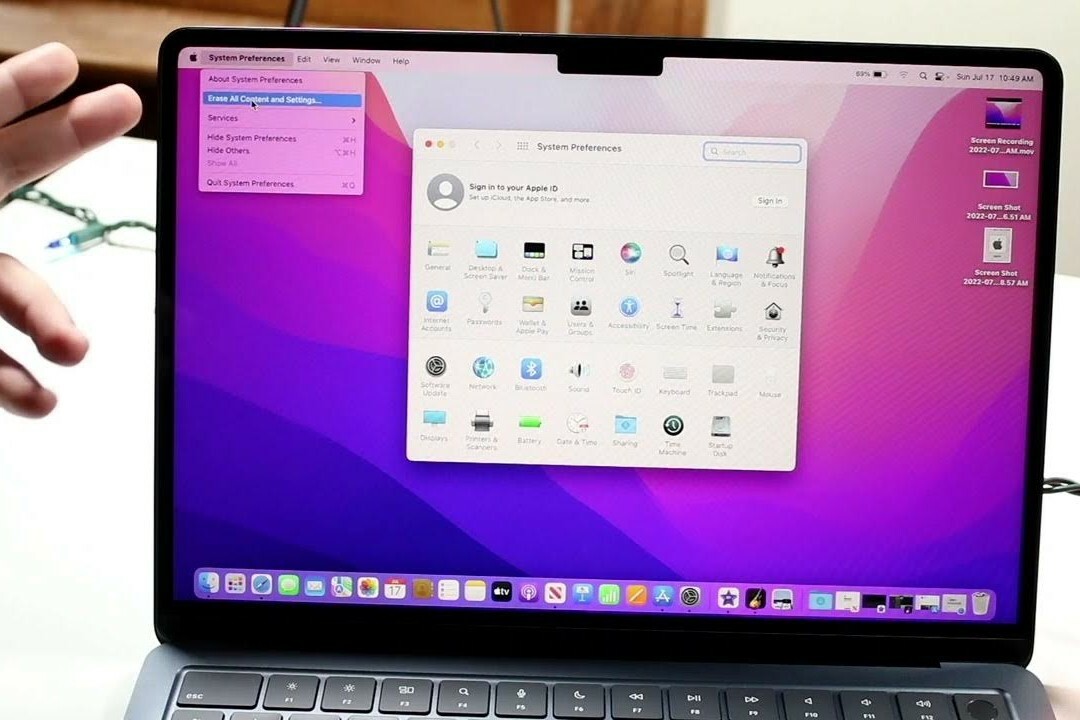
How to back up before resetting?
To secure your files before a reset, use Time Machine:
- Connect an external hard drive to your MacBook.
- Open System Settings > Time Machine.
- Select the external drive as the backup location.
- Click Back Up Now.
Time Machine creates a complete backup of your system, including files, settings, and applications.
After the reset, you can restore the backup via Time Machine during the setup of your MacBook. This ensures you don't lose your data.
MacBook Advice


Cheap MacBooks
Condition: Visible damage
Apple MacBook Pro (15 inch, 2016) - 2-Year Warranty
Intel Core i7 - 15 inch - 16GB RAM - 512GB SSD - - Space Gray
Old Price £424.97 £339.97 £339.97
ReMarkt's Choice

Condition: Visible damage
Apple MacBook Pro (15 inch, 2017) - 2-Year Warranty
Intel Core i7 - 15 inch - 16GB RAM - 256GB SSD - - Space Gray
Old Price £439.66 £351.73 £290.69
Condition: Visible damage
Apple MacBook Pro (15 inch, 2017) - 2-Year Warranty
Intel Core i7 - 15 inch - 16GB RAM - 512GB SSD - - Space Gray
Old Price £477.43 £381.95 £315.66
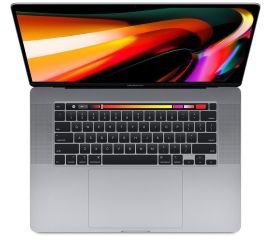
Condition: Visible damage
Apple MacBook Pro (15 inch, 2018) - 2-Year Warranty
Intel Core i7 - 15 inch - 16GB RAM - 256GB SSD - - Space Gray
Old Price £498.42 £398.74 £329.54
ReMarkt's Choice
Condition: Visibly used
Apple MacBook Pro (15 inch, 2017) - 2-Year Warranty
Intel Core i7 - 15 inch - 16GB RAM - 256GB SSD - - Space Gray
Old Price £502.62 £402.09 £332.31
ReMarkt's Choice
Condition: Visibly used
Apple MacBook Pro (15 inch, 2017) - 2-Year Warranty
Intel Core i7 - 15 inch - 16GB RAM - 512GB SSD - - Space Gray
Old Price £540.39 £432.31 £357.28