How old is my iPhone?
How to check your iPhone's age?
You can find out the age of your iPhone in the following ways:
- Settings: Go to Settings > General > Info and look for your device's serial number.
- Apple's website: Enter your serial number on the official Apple website to view the production date and warranty information.
- Serial number decoder: Online tools such as Chipmunk or Apple Serial Lookup can help you find the production date.
Refurbished iPhones
Where can you find the production date of your iPhone?
The production date is often encoded in your iPhone's serial number. The third, fourth, and fifth characters of the serial number usually indicate when your device was manufactured. Online tools can help you decipher these characters easily.
When was your iPhone released?
Each iPhone has a specific release date:
- iPhone 14 series: September 2022
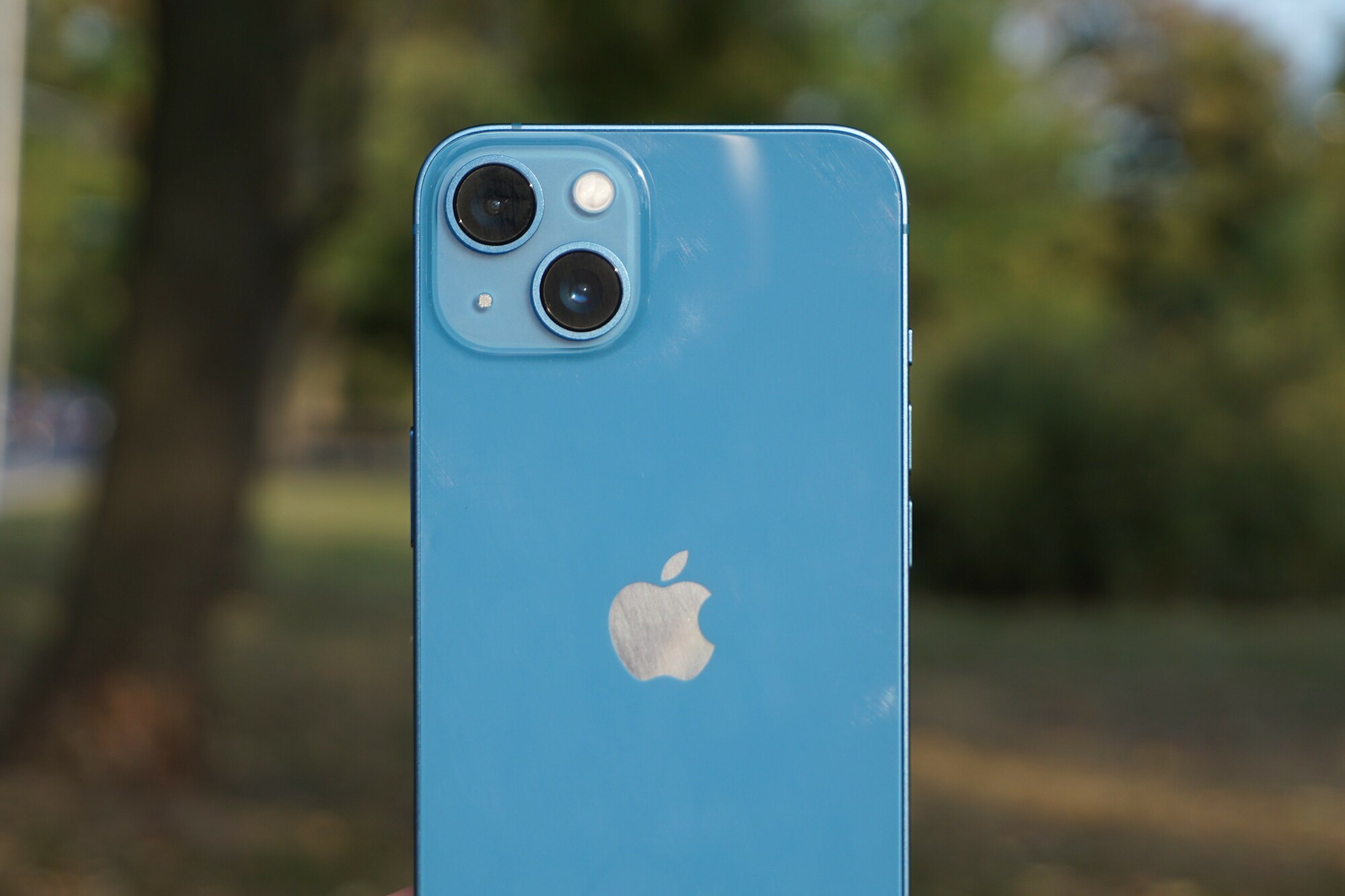
- iPhone 13 series: September 2021
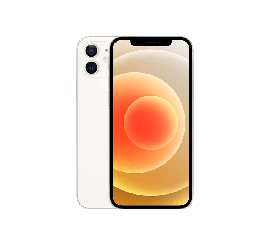
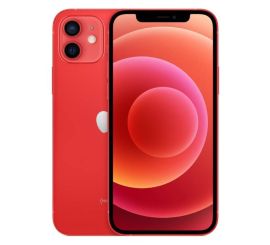
- iPhone 12 series: October 2020
- iPhone 11 series: September 2019
By comparing your iPhone model to the release date, you can get a good estimate of your device's age.
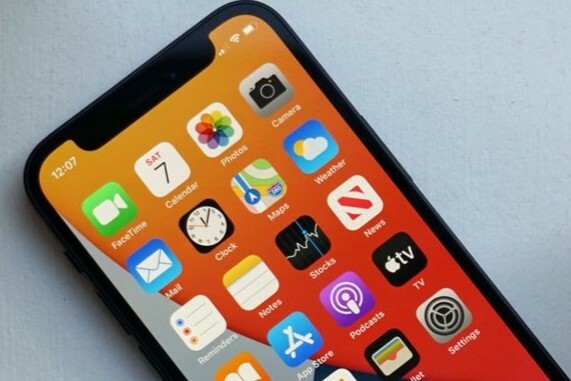
When was your iPhone released?
Each iPhone has a specific release date:
- iPhone 14 series: September 2022
- iPhone 13 series: September 2021
- iPhone 12 series: October 2020
- iPhone 11 series: September 2019
By comparing your iPhone model to the release date, you can get a good estimate of your device's age.
Conclusion: Check your iPhone's serial number through the settings or an online tool to find the exact production date. Combine this with the official release date of your model to determine the age of your device.
iPhone Advice


Refurbished iPhones


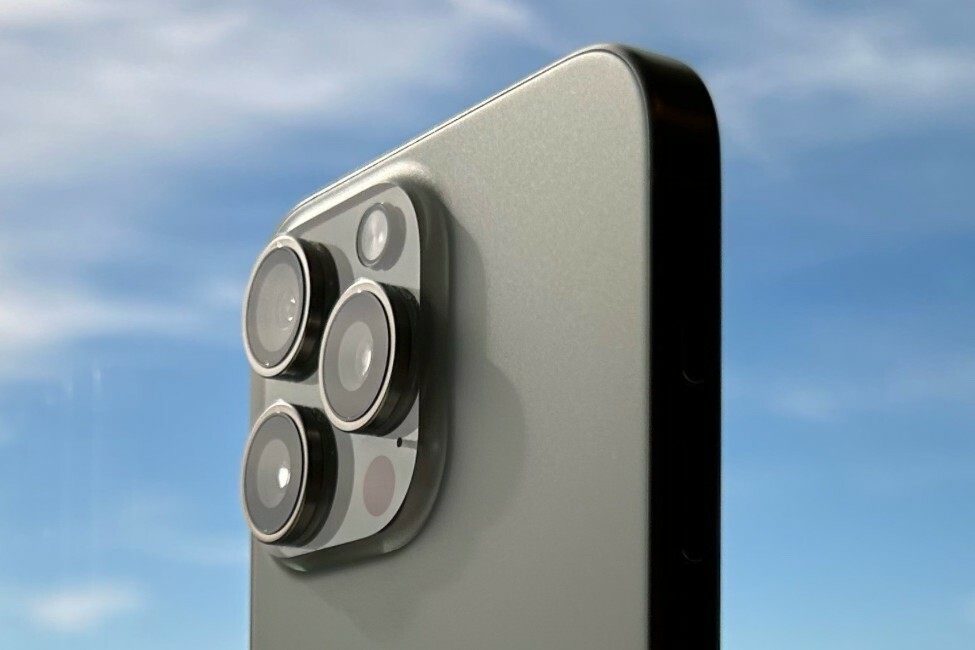
Apple iPhone 15 Pro - 128GB - 2 Year Warranty