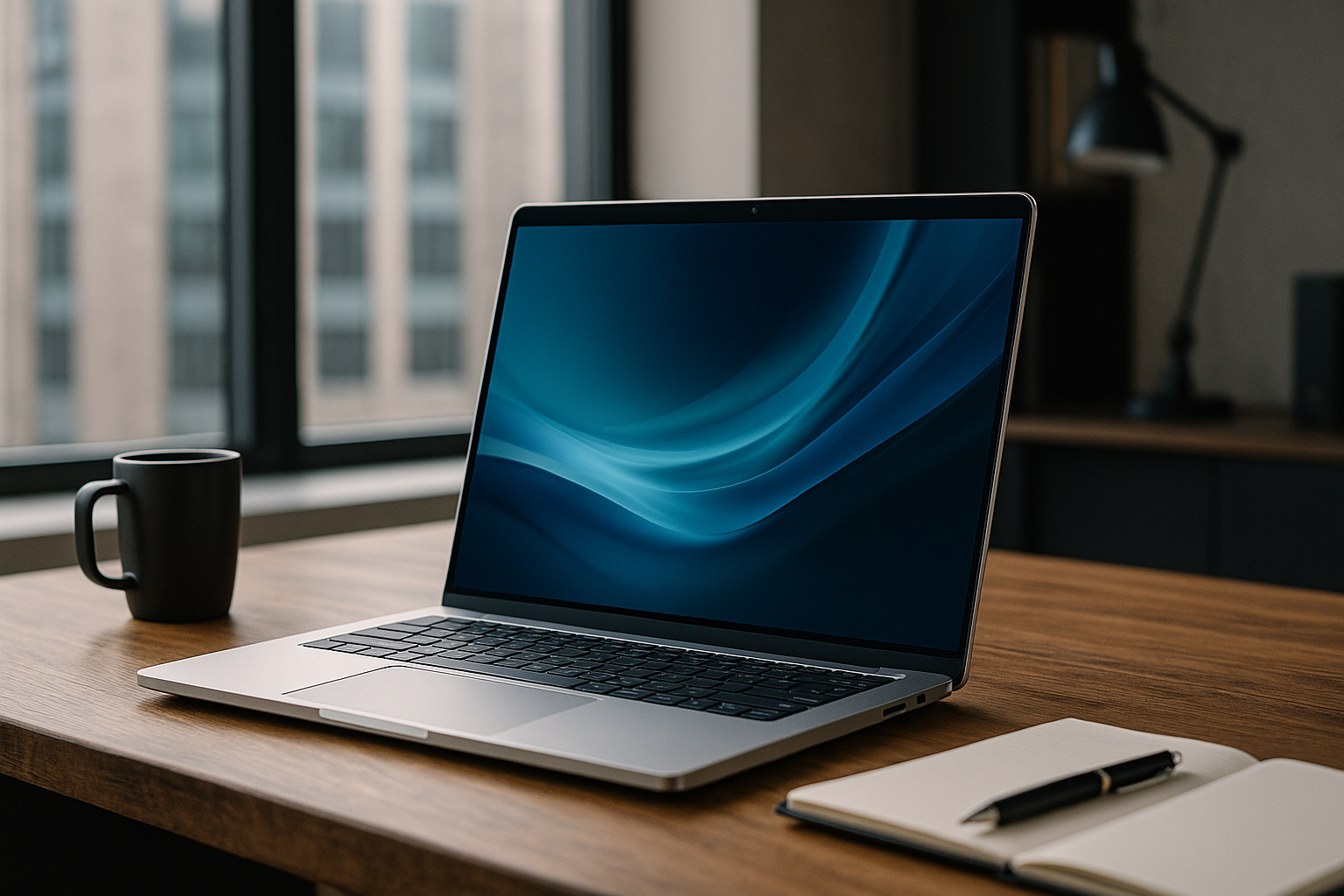
5 Best Business Laptops That Can Boost Your Productivity in 2023
The Best Business Laptops
Choosing the right business laptop is essential for maximizing your productivity and meeting your specific needs. Business laptops often offer superior performance, increased durability, and advanced security features. To discover our selection of the best business laptops on the market, visit our page dedicated to laptops.Here’s an overview:
- Introduction: The Role of Laptops in Today’s Business World
- Understanding Key Laptop Features for Optimal Productivity
- Laptop #1: The Industry Leader for High-Performance Business Operations
- Laptop #2: The Best Value for Money in Business-Class Computing
- Laptop #3: The Compact Powerhouse for On-The-Go Professionals
- Laptop #4: The Ultimate Collaboration Tool for Remote Workforces
- Laptop #5: The Secure Fortress for Sensitive Business Data
- How to Choose the Right Business Laptop for Your Needs
- Investing in Durability and Reliability: Business Laptops That Last
- Accessories that Enhance Business Laptop Functionality
- Software Considerations for the Modern Business Laptop
- The Importance of After-Sales Support and Warranties for Business Laptops
- Conclusion: Balancing Performance with Portability for Business Success
Introduction: The Role of Laptops in Today’s Business World
In an era where agility and mobility are more than mere buzzwords, laptops have emerged as the linchpins of the modern business environment. These portable devices facilitate the seamless flow of information and communication necessary for businesses to thrive in a competitive landscape. They have become a symbol of the flexibility that enables professionals to work from anywhere – be it a bustling airport lounge, a quiet café, or the comfort of one’s home office.
Their utility extends beyond mere portability. Laptops serve as powerful tools for data analysis, presentation creation, and an array of other tasks that are vital for day-to-day operations across sectors.
In today’s interconnected business world, the laptop stands as a gateway to the cloud, allowing users to access data and applications from virtually anywhere, ensuring they remain at the forefront of productivity. The speed and efficiency in decision-making this facilitates are unparalleled.
Moreover, in the landscape of ever-evolving security threats, laptops have adapted to provide robust solutions that safeguard sensitive business data. From biometric access to sophisticated encryption, these devices are equipped to protect intellectual property and comply with data protection regulations – a non-negotiable aspect of any business tool in the 21st century.
Selecting a laptop that aligns with one’s professional needs has thus become a decision of strategic importance. With myriad options available, pinpointing the right mix of performance, durability, and usability that can empower one’s productivity is crucial. The following list of laptops have been curated to offer an insight into some of the most proficient machines available in 2023, which stand to elevate the business experience for those at the helm of various industries.
Understanding Key Laptop Features for Optimal Productivity
In selecting the best business laptops for enhancing productivity, particular attention must be given to several crucial features. These attributes are pivotal in ensuring that the chosen device meets the demands of a fast-paced business environment.
Performance: The central processing unit (CPU) acts as the brain of the laptop. For business applications, a multi-core processor such as an Intel Core i5 or i7, or AMD Ryzen 5 or 7, offers ample power for multitasking. Similarly, Random Access Memory (RAM) is vital for running multiple applications. A minimum of 8GB RAM is recommended, though 16GB or more is preferable for heavier workloads.
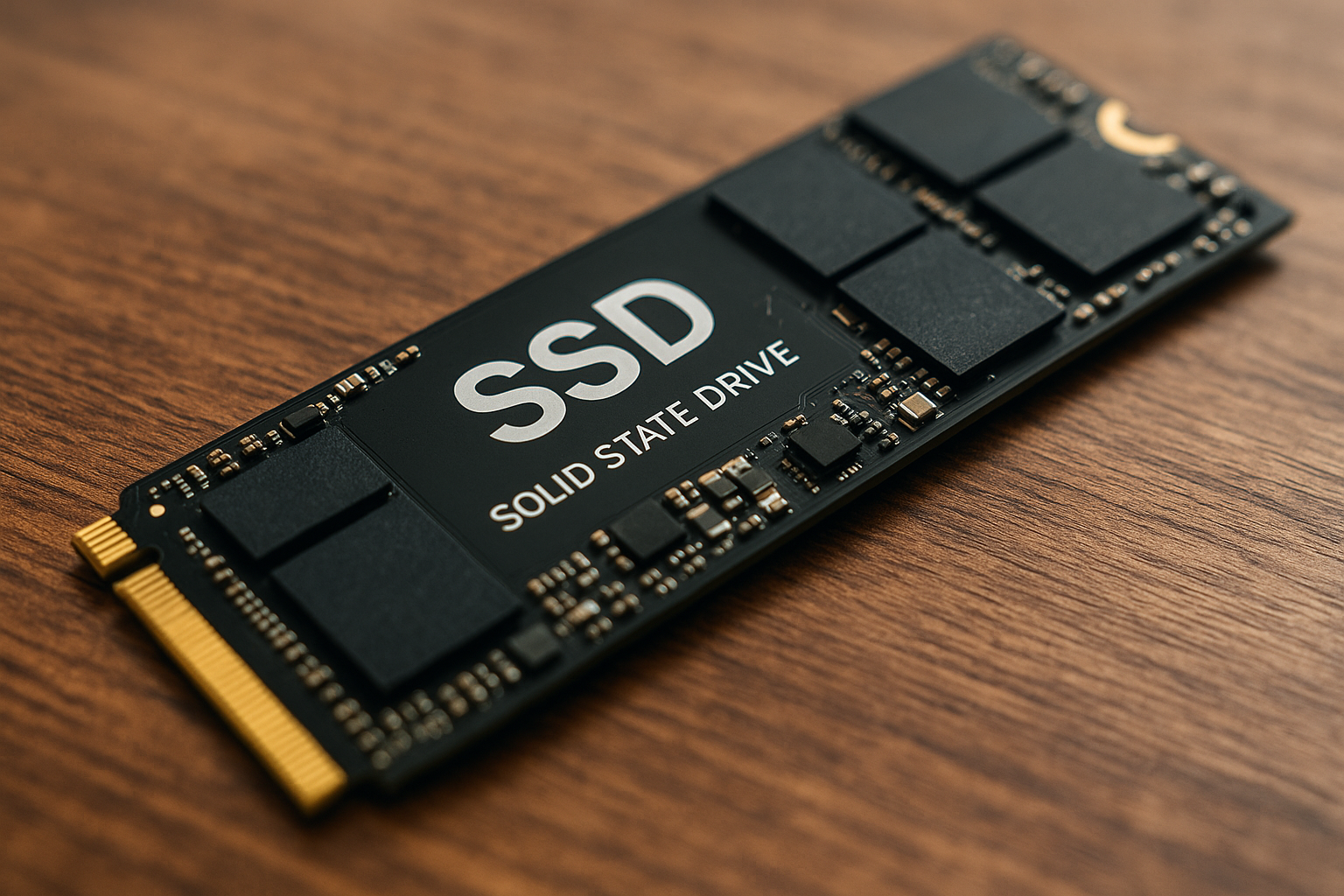
Storage: Solid State Drives (SSD) provide faster access to data and improved overall speed compared to traditional Hard Disk Drives (HDD). A 256GB SSD should be the baseline, with larger capacities available for those requiring more space.
Battery Life: For professionals on the move, long battery life is non-negotiable. Laptops that offer more than 8 hours of usage on a single charge enable greater productivity without the constant need for recharging.
Display: Eye strain can be mitigated with a display that offers clear and sharp images. A screen size of 13 to 15 inches with a resolution of at least 1920x1080 (Full HD) is beneficial for most tasks.
Connectivity: Adequate ports such as USB Type-C, HDMI, and Thunderbolt 3⁄4 ensure that the laptop can easily connect to other devices, which is crucial in a business setting for presentations and data transfer.
Build Quality and Portability: Durability and the ease of carrying the device are important. A solid build that can withstand travel and lighter models are preferred for frequent travellers.
Security Features: Business laptops should come with enhanced security features such as fingerprint readers, facial recognition, and Trusted Platform Module (TPM) for secure booting and encryption capabilities.
Considering these key features will help determine the most productive business laptop for individual and enterprise needs. Each feature contributes to the machine’s ability to handle the rigors of business tasks efficiently and effectively.
Laptop #1: The Industry Leader for High-Performance Business Operations
In the realm of high-performance business laptops, one machine consistently outshines the rest – the Dell XPS 15. This power-packed device has established itself as the quintessential tool for modern professionals who require unyielding performance on the go.
The XPS 15 boasts a robust 10th generation Intel Core i7 processor, ensuring lightning-fast responsiveness and the ability to handle multiple intensive applications without a hitch. Coupled with up to 64GB DDR4 RAM, this machine is an absolute powerhouse, carving through data-heavy tasks with ease.
Storage solutions are equally impressive, with options for up to 2TB M.2 PCIe NVMe SSD, providing ample space and swift data transfer rates. Professionals dealing with large files and demanding applications will find the XPS 15 a reliable partner.
- High-resolution displays are vital for many business applications, and the XPS 15 doesn’t disappoint. It features a 15.6-inch 4K UHD (3840 x 2160) InfinityEdge touch display, which not only offers exquisite detail but also maximises screen real estate with its ultra-thin bezels.
- For connectivity, it includes Thunderbolt 3 ports, USB Type-C, and a full-size SD card reader, ensuring compatibility with a wide range of peripherals and devices.
- The robust construction with carbon fibre and Gorilla Glass screen is complemented by a sleek design that is both aesthetically appealing and durable.
- Not forgetting security, it comes equipped with a fingerprint reader and Windows Hello integration, making for a secure and quick login process.
With its exceptional blend of performance, display quality, and design, the Dell XPS 15 remains the industry leader, particularly well-suited for high-level executives, creative professionals, and anyone in need of a desktop-calibre experience in a portable form factor.
Laptop #2: The Best Value for Money in Business-Class Computing
Finding a laptop that strikes the perfect balance between cost and performance is crucial for businesses looking to maximise value. The Dell Inspiron 15 5000 stands out in 2023 as the epitome of business-class efficiency blended with affordability.
Featuring a robust 11th Gen Intel Core i5 processor paired with 8GB of RAM, it delivers the power required for multitasking without hiccups. Storage needs are amply met with a 256GB SSD that ensures quick boot-up times and responsive software operation — a must for business applications.
The 15.6-inch FHD display offers ample screen real estate, ideal for working on spreadsheets or presenting to clients, while the anti-glare coating minimises eye strain during prolonged use. Integrated Intel Iris Xe Graphics provide sufficient graphical capabilities for light design tasks and video conferencing.
Connectivity is a strong point for the Inspiron 15 5000, with Wi-Fi 6, Bluetooth, and an array of ports including USB 3.2, HDMI, and an SD card reader. This ensures that peripherals and networks are accessible with minimal fuss.
Battery life is another critical factor for business laptops. The Inspiron 15 5000 offers up to 7 hours of productivity, enough to get through most workdays without reaching for the charger.
In addition, Dell’s reputation for reliable after-sales support and warranty services adds peace of mind — a valuable asset for businesses that can’t afford downtime.
- 11th Gen Intel Core i5 Processor
- 8GB RAM, 256GB SSD
- 15.6-inch FHD Anti-Glare Display
- Intel Iris Xe Graphics
- Wi-Fi 6 and Multiple Ports for Connectivity
- Up to 7 Hours Battery Life
- Reliable Dell Support
Overall, the Dell Inspiron 15 5000 presents an impressive combination of performance and value, positioning it as a top contender for businesses in search of the best bang for their buck.
Laptop #3: The Compact Powerhouse for On-The-Go Professionals
For mobile professionals who require significant computing power packed into a small form factor, Laptop #3 stands out as the Compact Powerhouse of choice. This laptop strikes a perfect balance between portability and performance, making it an ideal option for users who are always on the move but cannot compromise on the capabilities of their device.
Ultra-Portable Design: Weighing just under 1.5 kilograms with a slim profile, this device is designed for effortless mobility. The robust build quality ensures it can withstand the rigours of daily travel without adding unnecessary weight to your briefcase.
High-Performance Processors: Equipped with the latest-generation processors, the Compact Powerhouse delivers exceptional speed and efficiency. Whether it’s for data analysis, multimedia editing, or complex calculations, this laptop handles it all without breaking a sweat.
All-Day Battery Life: With a battery life that extends beyond the typical 8-hour workday, professionals can confidently leave their chargers behind, knowing they won’t be hunting for power sockets during important meetings or while working remotely.
Bright and Vivid Display: This model does not skimp on display quality despite its small footprint. Offering a high-resolution screen with excellent colour accuracy, it’s perfect for preparing presentations or analysing detailed spreadsheets.
Connectivity Options: A variety of ports including Thunderbolt™, USB-C, and HDMI, allows for easy connection to peripherals and external displays. The seamless wireless connectivity options ensure that professionals stay connected wherever they are.
Security Features: Advanced security features such as biometric authentication and hardware-based encryption protect sensitive corporate data, which is essential for any business professional.
This Compact Powerhouse is tailored for those who demand high performance without sacrificing mobility. It appeals to on-the-go professionals who require a reliable companion that will not let them down during critical moments.
Laptop #4: The Ultimate Collaboration Tool for Remote Workforces
In today’s fast-paced, digital world, remote workforces need laptops that can keep up with their collaborative demands. Laptop #4 stands out as the ideal companion for professionals who require seamless team interactions regardless of their physical location. Its integrated high-definition camera and superior microphone array ensure crystal-clear video conferencing, making remote meetings as effective as face-to-face discussions.
Moreover, Laptop #4 is enhanced with dedicated collaboration keys, including one-touch calendar access and a call answer/end button, streamlining the process of joining virtual meetings. These features are coupled with industry-leading noise-cancelling technology, minimising background distractions during important calls.
- High-speed connectivity is essential for collaboration, and this model excels with Wi-Fi 6E capabilities, ensuring stable and swift internet connections.
- Additionally, it supports Bluetooth 5.2, allowing the smooth integration of wireless peripherals to further enhance the collaborative experience.
- Its robust security features, including biometric authentication and hardware-based encryption, protect sensitive information during data sharing and communications.
The extended battery life is particularly beneficial for remote workers who may not always have immediate access to a power source. Laptop #4 boasts a power-efficient design that promotes productivity throughout the workday. Furthermore, its lightweight and durable chassis makes it easy to transport, ensuring your mobile office is ready whenever inspiration strikes.
Laptop #4 isn’t just a tool; it’s a partner in maximising efficiency for remote teams, fostering an environment where collaboration knows no bounds.
Laptop #5: The Secure Fortress for Sensitive Business Data
In an era where data breaches are commonplace, protecting sensitive business information becomes paramount. The fifth offering in our lineup serves as a virtual stronghold, shielding confidential data against digital threats.
The laptop integrates cutting-edge security features such as biometric authentication, including fingerprint readers and IR facial recognition, ensuring only authorised personnel gain access. It boasts hardware-based credential storage, such as TPM (Trusted Platform Module) chips, which safely encrypt data on the device.
Key security software comes preinstalled, with endpoint protection platforms that continuously monitor for anomalies, responding to threats even before they become noticeable. Comprehensive encryption capabilities are critical, and this laptop delivers with robust full-disk encryption solutions like BitLocker.
Noteworthy Security Aspects:
- Hardware Security: Built with a durable chassis that is tamper-resistant, the laptop resists physical attempts at intrusion. The use of lower level firmware protection further guards the system against sophisticated cyber attacks.
- Secure Boot Process: Starting up securely is essential. This laptop implements a secure boot process, verifying that only trusted software can load during system initiation. Any tampering with the boot files is immediately recognised, and the system halts.
- Vigilant Software Protection: Bundled with advanced antivirus programs and security suites, the laptop maintains stringent surveillance over operations, immediately isolating and addressing potential incursions.
- Remote Management: Should the laptop fall into the wrong hands, remote management allows IT admins to lock access or wipe data remotely, significantly mitigating potential loss or theft scenarios.
- Privacy Shielding: Physical camera shutters and microphone kill-switches ensure that privacy is maintained, preventing any unwarranted surveillance.
For businesses handling sensitive data—be it customer information, intellectual property, or financial records—this laptop represents more than just a tool; it is a dedicated guardian of information integrity. With its array of defensive measures, it stands out as a nonpareil choice for any organisation where data security is not just a priority, but an imperative.
How to Choose the Right Business Laptop for Your Needs
Selecting the ideal business laptop requires careful consideration of various factors to ensure it meets specific work requirements accurately. Here’s how professionals can pinpoint the perfect machine:
Performance: Consider what the laptop will be used for. For heavy tasks like video editing or 3D modelling, a laptop with a high-performance CPU, ample RAM (16GB or more), and a dedicated graphics card is essential. If the workload is more about document handling or web browsing, a mid-range CPU and about 8GB of RAM might suffice.
Durability and Reliability: Business professionals need a laptop that can withstand the rigors of travel and heavy use. Look for models with solid build quality or those that meet the MIL-STD-810G standards for durability.
Battery Life: A long-lasting battery is crucial for those who work on the go. Aim for a laptop that offers at least 8 hours of battery life, with some models boasting up to 20 hours for all-day productivity without the need for a charger.
Portability: The ideal weight and size depend on individual needs. Frequent travellers might prioritize a lightweight (under 3 pounds) and slim profile, while those mostly desk-bound could opt for larger screens and full-size keyboards.
Security Features: Business laptops often come with additional security features such as fingerprint readers, facial recognition, and TPM chips. Ensure that the chosen model has robust security to protect sensitive business data.
Connectivity: Adequate ports are key. USB-C/Thunderbolt 3, HDMI, and SD card slots can greatly enhance versatility in connecting peripherals and handling data transfers. Wireless connectivity options like Wi-Fi 6 and Bluetooth 5.x are also critical for seamless collaboration.
By carefully evaluating these components, professionals can ensure their chosen business laptop will bolster productivity and withstand the demands of their work life.
Investing in Durability and Reliability: Business Laptops That Last
For professionals whose work demands constant mobility, a robust business laptop is a cornerstone of operational efficiency. Ensuring durability and reliability in a business-oriented device can mean the difference between seamless productivity and frustrating downtime due to repairs or replacements. Manufacturers have responded to this need with features such as:
Rugged Build: Some laptops boast military-grade protection (MIL-STD 810G, for instance), implying that they can withstand drops, vibration, and extreme temperatures. These are ideal for fieldwork where conditions are unpredictable.
Premium Materials: High-quality materials like magnesium alloy or carbon fibre not only add to the sturdiness but also help keep the device lightweight and portable.
Long-Term Support: Leading brands offer extended warranties and service options. This includes on-site repairs and accidental damage cover, ensuring that businesses don’t face prolonged downtime.
Spill Resistance: Keyboards with spill-resistant designs can save a laptop from accidents involving liquids, which are not uncommon during business travels or rushed coffee breaks at work.
Advanced Cooling Systems: Efficient thermal management can prolong the hardware’s life by keeping it operating within safe temperature ranges, even under heavy usage.
Easily Serviceable: Businesses often prefer laptops that offer easy access to internals for quick upgrades or battery replacements to ensure longevity and up-to-date performance.
By investing in a durable and reliable business laptop, companies can substantially reduce the total cost of ownership and ensure that employees are always equipped with tools that are as resilient as their work ethic.
Accessories that Enhance Business Laptop Functionality
When considering how to maximize your productivity with a business laptop, selecting the right accessories is just as crucial as choosing the laptop itself. A well-chosen set of peripherals can greatly complement and extend the capabilities of your laptop, turning it into a comprehensive workstation that caters to various business needs. Here are essential accessories to consider:
Docking Stations: These hubs enable you to connect multiple peripherals to your laptop. A docking station can quickly transform your laptop into a desktop-like setup, with support for additional monitors, an external keyboard, a mouse, and more.
Portable SSDs or HDDs: A portable Solid State Drive (SSD) or Hard Disk Drive (HDD) is paramount for professionals who need extra storage space, fast data transfer rates, and the security of off-site backups.
Quality Headsets or Earbuds: In an era where video conferencing is the norm, a headset or a pair of noise-cancelling earbuds is a must-have for clear communication.
Laptop Stands: Ergonomics plays a key role in productivity. A laptop stand elevates your laptop to an eye-level angle, reducing neck strain and improving posture.
Wireless Keyboard and Mouse: They offer flexibility and comfort, allowing you to create an ergonomic workspace that can reduce wrist and hand fatigue.
Privacy Screens: For those working in public spaces or while travelling, a privacy screen helps keep your sensitive work confidential.
Laptop Bags or Sleeves: High-quality bags or sleeves protect your laptop from physical damage and make it easier to transport your equipment securely.
Incorporating these accessories into your work setup can significantly enhance the functionality of your business laptop, ensuring that you maintain productivity irrespective of your location.
Software Considerations for the Modern Business Laptop
When selecting the best business laptops for boosting productivity, businesses must carefully consider the software ecosystem. Software compatibility, built-in security features, and productivity suites are paramount. Here’s what to look for:
Operating System (OS): The choice of OS will largely influence your software options and user experience. Windows 10 Pro is widely preferred in enterprise environments due to its compatibility with legacy business applications and advanced management features. MacOS is favoured for its stability and seamless integration with other Apple products, while Linux variants are often sought after for their security and open-source nature.
Pre-installed Software: Laptops that come with essential business software pre-installed save time and resources. Look for systems with Microsoft Office, collaboration and communication tools like Microsoft Teams or Slack, and management software capable of handling business operations.
Software Scalability: Ensure the laptop can handle software scalability – the future addition of more complex or numerous applications as the business expands. Consider the software licencing terms and whether the device can cope with potential upgrades without performance hitches.
Security Software: Cybersecurity threats are an ever-present risk, necessitating robust security software. Trusted Platform Module (TPM) for hardware-based security, antivirus programs, and data encryption tools are must-haves to protect sensitive business data.
Cloud Integration: Consider laptops with solid cloud integration capabilities. This allows for the easy storage, retrieval, and backup of data, as well as collaborative workflows across geographically distributed teams.
Software considerations are critical in selecting business laptops. Without the right software mix, even the most powerful hardware may fall short of the performance needed to drive up productivity in today’s demanding business landscapes.
The Importance of After-Sales Support and Warranties for Business Laptops
In the realm of business computing, the purchase of a laptop is just the beginning of what should be a long-term investment. After-sales support and warranties are the cornerstones of a robust business laptop offering, providing a safety net and continuity for professionals who rely on their devices for critical operations.
Reliability and Peace of Mind: Every second of downtime can translate into lost revenue. After-sales support ensures that any technical issues are swiftly addressed, minimising interruptions to workflow. Similarly, a comprehensive warranty gives the assurance that if a hardware failure occurs, the problem will be rectified without excessive cost or hassle to the business.
Cost Savings Over Time: Investing in a laptop with solid after-sales support and an extensive warranty might seem like an upfront expense, but it can save money in the long run. Businesses can avoid the financial burden of unexpected repairs which, without a warranty, can be significant.
On-Going Updates and Maintenance: After-sales services often include regular updates and maintenance, which are crucial for the longevity and optimal performance of any business laptop. These services ensure that the laptop remains compatible with new software and protected against evolving security threats.
Expert Assistance: When time is of the essence, access to knowledgeable technical support can help quickly troubleshoot issues. This level of expertise is invaluable, especially for businesses without a dedicated in-house IT team.
In short, robust after-sales support and warranties are essential components for any business laptop. They provide reassurance, protect financial investments, and ensure that businesses have continuous, reliable access to the technology that powers their daily operations.
Conclusion: Balancing Performance with Portability for Business Success
In the world of business, efficiency and agility are paramount. The laptops that best serve professionals are those that manage to strike a delicate balance between robust performance and convenient portability. Throughout this article, five exceptional business laptops have been highlighted, each serving as a testament to the technological strides that manufacturers have made towards crafting the perfect mobile workstation.
While each model presents its own unique set of features tailored to different professional needs, a common theme is clear: the ability to perform complex tasks without being anchored to a desk. Business success in 2023 demands technology that can keep pace with the rapid flow of information and the dynamic nature of global markets.
Professionals today are expected to be versatile—ready to present a pitch, compile a report, or analyse data on the move. Understandably, the laptop that can support these tasks while being light enough to carry around without strain is a valued asset.
Selecting the right tool involves a careful consideration of specifications such as processing power, memory, battery life, and connectivity options. A high-resolution, non-reflective screen to work on for hours, a comfortable keyboard for typing, and robust security features to protect sensitive information also weigh in.
The laptops introduced provide a guide for discerning professionals eager to invest wisely in their productivity. With these devices, users can be confident in their ability to stay productive regardless of their location, ensuring that business success is always within reach, as long as they choose wisely.