Monitor buying guide
Monitor buying guide - Find the monitor that suits you
Not looking for a monitor? Try our buying guides for laptops, desktops, smartphones and tablets for the best advice!
Which condition do you prefer?
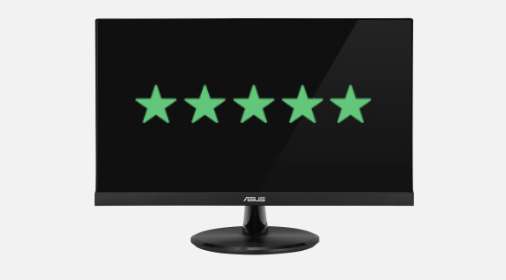
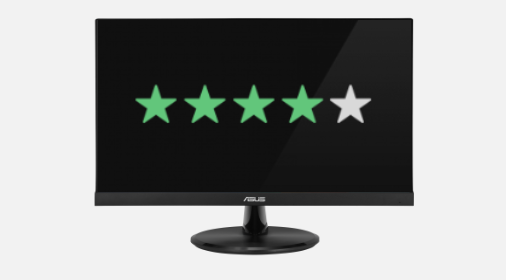
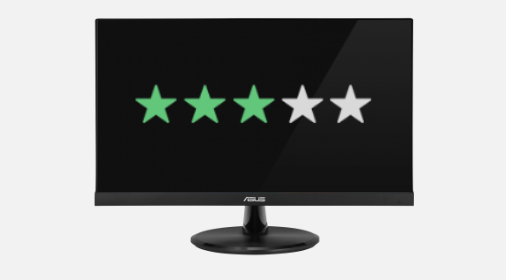
Which screen size do you prefer?
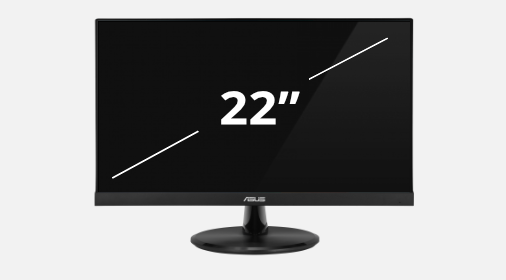
Which resolution do you prefer?
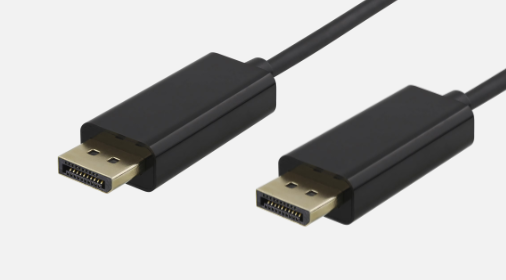
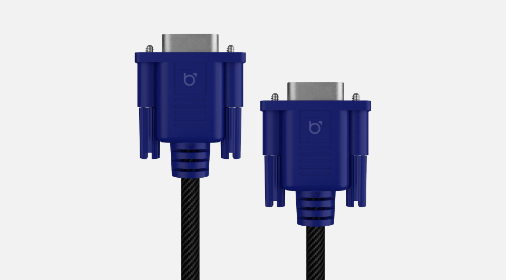
Which video connection do you prefer?
What is your budget?
Why choose a refurbished monitor?
A refurbished monitor is a previously used screen that has been checked, cleaned and repaired where necessary. You give a screen a second life and can expand your workspace affordably. Which monitor suits you depends on your desk, your daily work and the equipment you want to connect. With our monitor buying guide you compare the range on condition, screen size, resolution, connection and budget. Check the specifications and condition description of each product, so you know what to expect from the screen and any signs of use.

Which monitor suits my workspace?
A comfortable screen fits the space on your desk and what you use it for. For email, browsing and documents a compact model can be enough. Do you often work with several windows side by side? Then a larger screen and higher resolution are worth comparing. The buying guide offers sizes from 22 inch and smaller to 25 inch and larger. Measure how much space you have and allow for the monitor stand. Also check the product description to see whether the screen is height-adjustable or fits a monitor arm.
View all monitors
How to choose the right resolution and connection
Screen size and resolution are not the same: the size determines how big the screen is, the resolution how many pixels it shows. Full HD has 1920 x 1080 pixels; 2560 x 1440 offers more pixels for detail and workspace. Also check which video connection your computer or docking station has. In the buying guide you can choose DisplayPort, HDMI or VGA. Check which connections the product has and which cables are included. Want to game or edit photos? Then also check features such as refresh rate and panel type in the specifications; this guide does not filter on those.
More monitor adviceHow does our monitor buying guide work?
Answer the five steps and view the range that matches your filters. You choose the condition, screen size, resolution, video connection and your budget in turn. Not sure about something yet, or does it not matter to you? Choose 'No preference' so that feature is not restricted. For budget this means no price filter is applied. If a combination gives few or no results, try a broader selection. Then compare the product details to decide which screen suits your workspace best.
A second life for your monitor
With a refurbished monitor you use existing electronics for longer. That makes reuse a practical alternative to a new screen, for example for a home office, study corner or extra workstation. The price depends on the model, specifications and condition, among other things. So don't choose on price alone, but also on the features you really need. Before ordering, check the warranty, condition and included accessories on the product page. That way you make a conscious choice for a monitor that suits your use and budget.
Browse refurbished monitors:
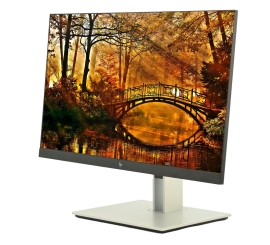
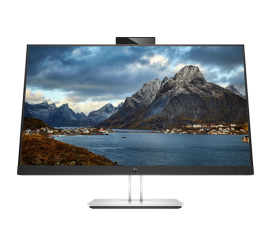
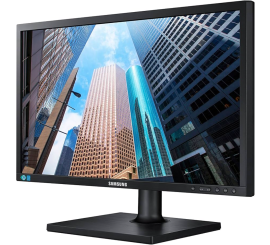
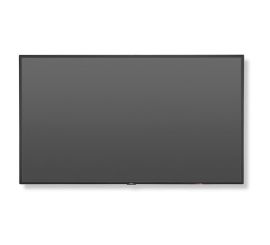
NEC MultiSync V544-T - 54 inches
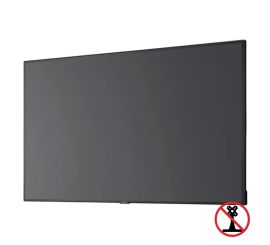
NEC MultiSync C431 - 43 inch
NEC MultiSync C431 - 43 inch
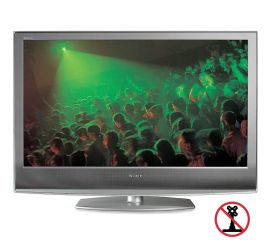
Sony Bravia KDL-46S2000 - 46 inches