
Laptop buying guide
Laptop buying guide - Find the laptop that suits you
Not looking for a laptop? Try our buying guides for desktops, monitors, smartphones and tablets for the best advice!
Which operating system do you want to use?


Which condition do you prefer?


Which screen size do you prefer?


Which MacBook series do you prefer?


Which processor brand do you prefer?


Which processor do you prefer?


Which extra options do you want for your laptop?


What is your budget?
Laptop buying guide: easily find the refurbished laptop that really suits you
Choosing a laptop can be quite a challenge. With so many brands, specifications and price ranges, it is easy to lose sight of what you actually need. That is why ReMarkt developed the laptop buying guide : an online tool that helps you narrow down our range step by step. Whether you are a student, often work on the go or use demanding software, within a few minutes you make a selection based on your preferences and budget. Then compare the product information to decide which model suits your use.
It is simple: you answer a few short questions about your preferences and our system shows the laptops that match the filters you chose. So you don't have to search the whole range. Compare the remaining models using their specifications and product description.

How does our laptop buying guide work?
Our buying guide takes you through a short questionnaire in which you indicate what matters to you in a laptop. Based on your answers we filter our range. The results are a first selection for you to compare; the guide does not rank models on your personal use. So also check the specifications, condition and your software requirements on the product page.
Prefer a desktop after all?
What do you see in the results?
After completing the buying guide we show a selection of laptops that match the filters you chose. On the product pages, compare the following points, among others:
- Speed and performance: check the processor and memory for your tasks, from browsing and word processing to heavier software.
- Portability: compare weight and dimensions to decide whether a laptop suits use on the go or a fixed workspace.
- Battery life: check the available product information if you often work or study away from a power socket.
- Graphics power: check the graphics card and the requirements of the creative software or games you want to use.
- Price and savings: compare price, specifications and condition to choose a model that fits your budget.
A selection based on your preferences
Our laptop buying guide helps you narrow down the number of models, not to automatically pick the most expensive laptop. Sometimes a simple, more affordable model is enough for your use. In the results, check which configuration suits your daily tasks and software. Want to add extra memory or a larger SSD later? Then check the upgrade options of the specific model. These differ per laptop and are not determined by this buying guide.
Why choose refurbished at ReMarkt?
Besides the convenience of our buying guide, a refurbished laptop from ReMarkt gives you these benefits:
- Thorough testing: every laptop is extensively tested and fitted with new parts where needed.
- Clean installation: we install a fresh copy of the operating system so you can get started straight away.
- Warranty and peace of mind: at least 1 year warranty as standard (extendable to 2 or 3 years) and a 30-day right of return.
- A sustainable choice: giving a laptop a second life reduces the demand for new raw materials and cuts electronic waste. Better for your wallet and for the environment.
- Wide range: from compact Chromebooks and light ultrabooks to powerful business models and MacBooks – all sharply priced.
With refurbished you choose to reuse a checked device while keeping to your budget. The buying guide makes a first selection easier. Then check the product information and compare the models, so you choose a laptop that matches your needs.
Our best laptops for you:
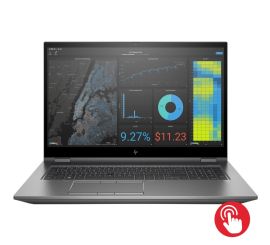
HP ZBook Fury 17 G7
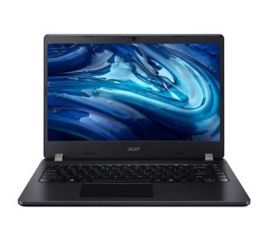
Acer TravelMate P214-54
Acer TravelMate P214-54
Acer TravelMate P214-54
Acer TravelMate P214-54
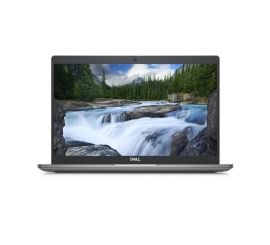
Dell Latitude 5340
Dell Latitude 5340
_touch_1.jpg)
Microsoft Surface Pro 6 (Zonder Toetsenbord)
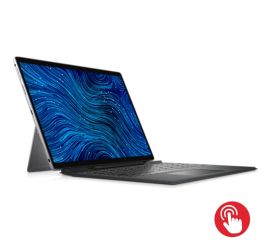
Dell Latitude 7320 Detachable
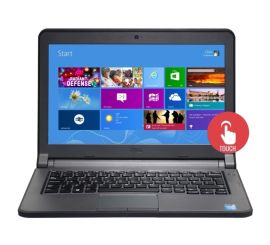
Dell Latitude 3340
Dell Latitude 3340
Dell Latitude 3340
Dell Latitude 3340
_touch_1.jpg)
Microsoft Surface Go 3 (Zonder Toetsenbord)
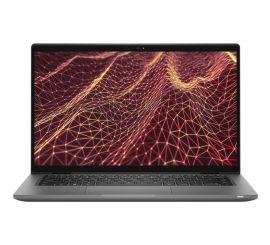
Dell Latitude 7430
Dell Latitude 7430
Dell Latitude 7430
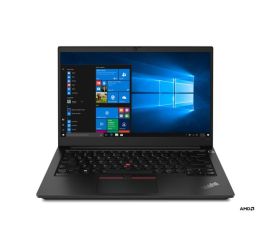
Lenovo ThinkPad E14 Gen 4
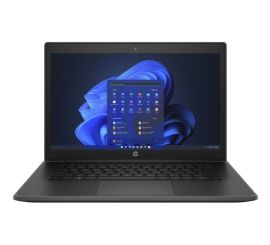
HP ProBook Fortis 14 G10